

Berm
Berm is the winter road maintenance operations record for a county highway department.
About this template
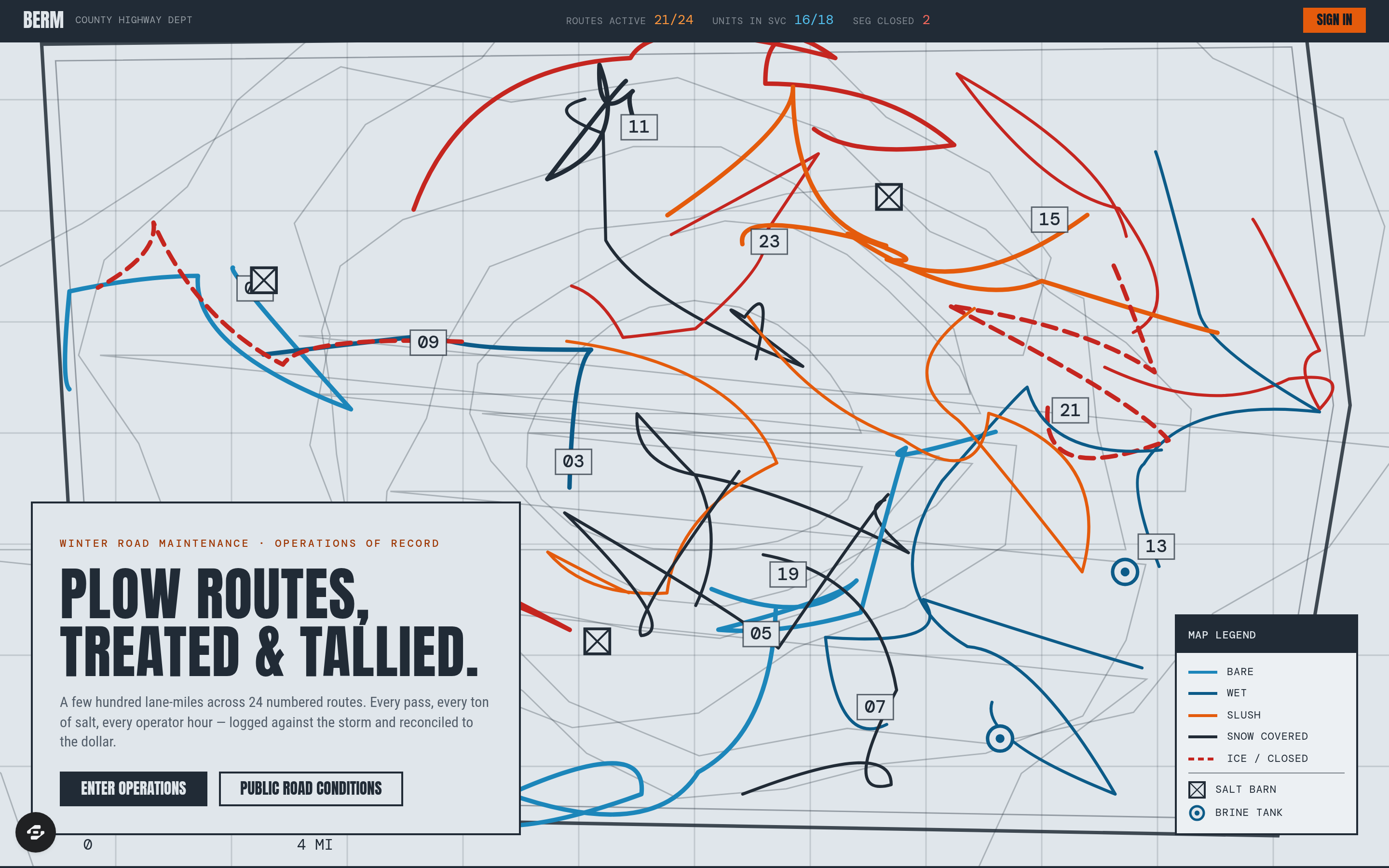
Berm is the winter road maintenance operations record for a county highway department. A few hundred lane-miles across two dozen numbered plow routes, a fleet of tandems and graders, a finite pile of salt and a fixed overtime budget — all of it has to be dispatched during the storm and defended afterward. Berm is the system of record for both halves of that job.
During an event, the route board is the product: every numbered route with its current surface condition, the unit assigned, the operator on it, the time of last pass, the cycle time against target, and the material spread so far. Storm mode rolls each pass into a live event tally — lane-miles treated, tons of salt and gallons of brine applied, plow hours and operator overtime hours accrued — and the material inventory draws down per barn in real time so a superintendent can see when a shed will run dry rather than finding out at 3 a.m.
After the event, the post-storm debrief is the deliverable: cost per lane-mile, application rate per lane-mile against policy, salt consumed versus budgeted for the season to date, cycle-time compliance route by route, and a storm-by-storm season ledger that survives a commissioner's question or a FEMA reimbursement request. Alongside it: a fleet sheet with unit status, plow and spreader configuration and out-of-service reasons; a materials view tracking salt, brine and sand per barn with reorder thresholds; an operator roster with hours, endorsements and rest-rule compliance; and a public-facing road conditions page the department can point residents to instead of answering the phone.
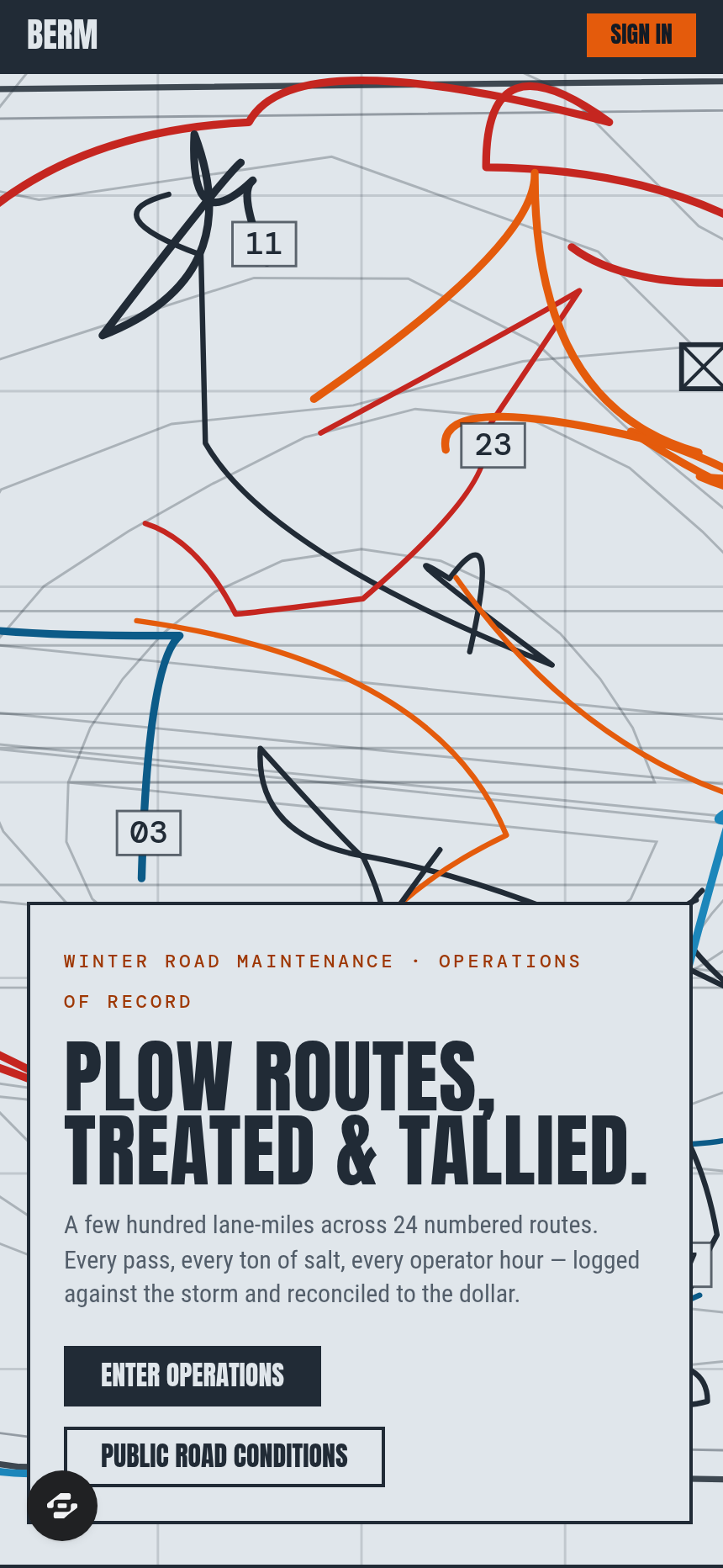
Built for county and municipal public works departments, township road districts, state DOT district garages, and private snow-and-ice contractors who bill per lane-mile and have to prove the pass. The design is highway-sign engineering — an ink-on-newsprint route map drawn as the department's own plow-route sheet, condensed sign-face lettering, monospaced tabular figures, and a hazard-orange accent used only for things that are actually urgent.
Frequently asked questions
What is the Berm template?
How long does it take to build an app with the Berm template?
Do I need to code to use the Berm template?
How much does the Berm template cost?
Can I customize the Berm template?
Review current pricing and the template inspection guide before you start.
Related templates
 Utilities
Homestead
Never miss a filter, a flush, or a fall cleanup.
 Utilities
Sundry
Every possession, catalogued and covered.
 Utilities
Voltworks
Quote it. Weld it. Get paid. Run your whole shop like a shop drawing.
 Utilities
Toolbelt
Run the whole day from one board.
Make this template your starting point.
Inspect the preview, plan your changes, and test the workflow before you share it.
Use this template