

Handout
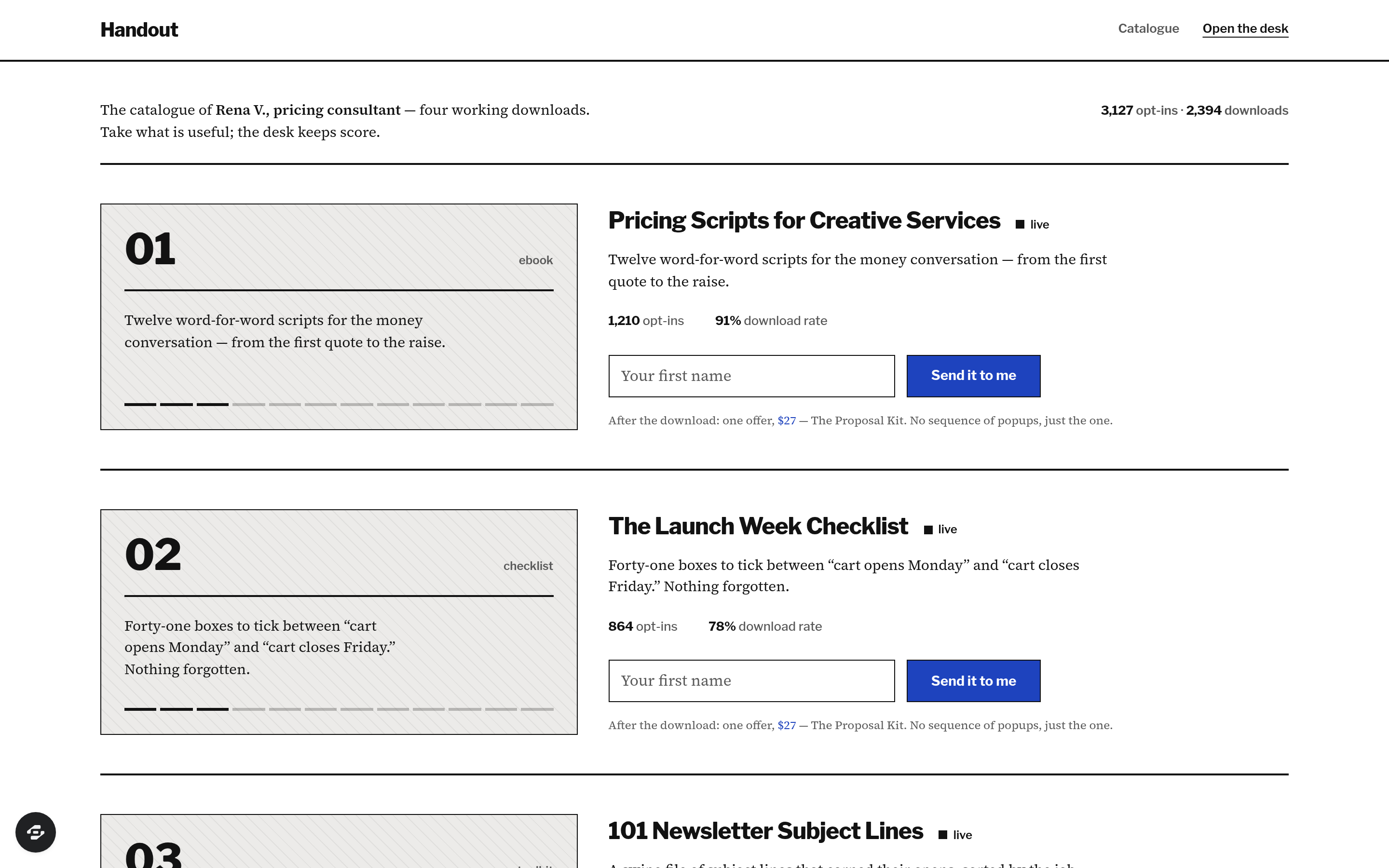
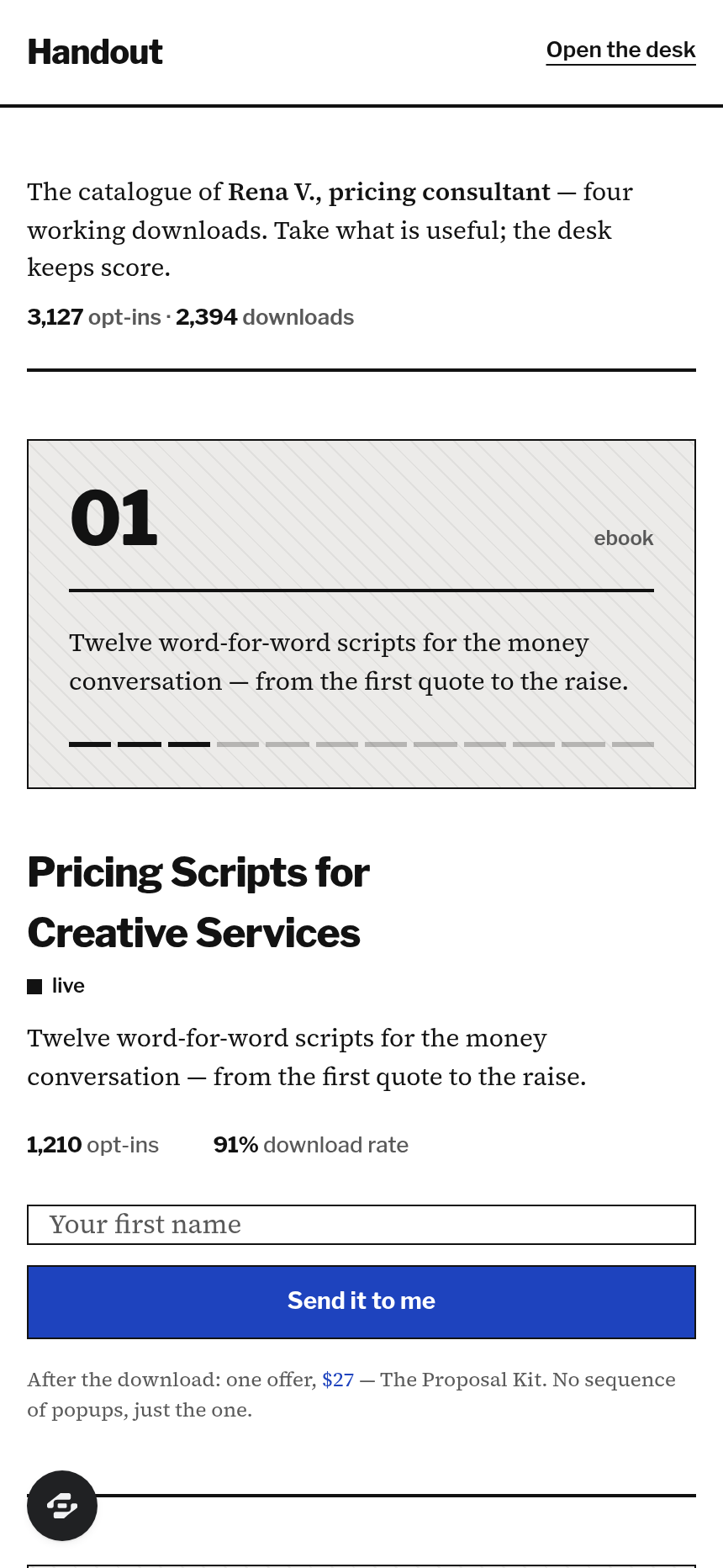
Handout is a lead magnet library for a creator or expert who runs several downloadable resources at once. Each magnet gets its own opt-in page, a delivery page with a single follow-on offer, and a row in the library that shows whether it is earning its keep.
About this template
Overview
Handout is a lead magnet library for a creator or expert who runs several downloadable resources at once. Each magnet gets its own opt-in page, a delivery page with a single follow-on offer, and a row in the library that shows whether it is earning its keep. Lead Gen & Email List vertical.
What you get
- Public catalogue of magnets with numbered plates, opt-in counts and download rates
- Per-magnet opt-in page (first name and initial only) with an instant delivery page
- Delivery page carrying one timed tripwire offer, a demo checkout and a receipt
- Magnet library: title, type, file, download-rate bar, source split, status live or draft, sort by opt-ins, rate or title
- Magnet editor with cover text, thank-you offer and a three-email follow-up sequence
- Leads table with magnets taken, tags, source and date, filters and CSV export
- Reports screen, subscriber "my downloads" view, demo role picker (Owner / Subscriber)
- Seeded data, empty, loading, error and success states, settings and billing
The signature screen
The library lists every magnet as a row with its opt-ins, downloads, a download-rate bar that fills once from the real value, and a four-segment source split; the leads table sits beneath it with each lead's magnets shown as small drawn tokens. The owner adds a magnet from here, opens a lead as a side sheet, and exports the list.
Who it's for
Creators, consultants and newsletter writers who run more than one lead magnet and want to know which one is actually working.
Design
- Type pairing
- Libre Franklin display Source Serif 4 body
- Palette
-
-
#FFFFFF -
#F0EFEA -
#111111 -
#595959 -
#1D3FBF
-
- Motion
- MR-2 progress fill on each download-rate bar (fills once, gentle spring); MR-1 staggered arrival on the landing catalogue; MR-6 side sheet for lead detail. Reduced motion: final values, no travel.
- Signature screen
- Magnet library + lead list — six magnets with opt-ins, downloads, rate bars and source split; 160 leads with magnets-taken tokens, tags, source, CSV export.
- References
-
- REF-MS01 MotionSites Heritage Grove footer (designed footer as a surface)
- REF-E01 Efferd table register (leads table)
- REF-M04 Motion UI theme tokens
Frequently asked questions
What is the Handout template?
Who is the Handout template for?
How long does it take to build an app with the Handout template?
Do I need to code to use the Handout template?
How much does the Handout template cost?
Can I customize the Handout template?
Review current pricing and the template inspection guide before you start.
Related templates
 Funnels & Marketing
Bossbabe: Business Freedom Audit
A 3-minute, 5-pillar business audit quiz that turns visitors into leads — editorial feminine-luxe.
 Funnels & Marketing
Litmus
A claymorphic quiz funnel that captures leads on autopilot.
 Funnels & Marketing
Freedom Score Quiz
An interactive multi-step quiz that scores and captures leads
 Funnels & Marketing
Tripwire Checkout Funnel
Turn cold traffic into buyers with an irresistible low-ticket offer
Make this template your starting point.
Inspect the preview, plan your changes, and test the workflow before you share it.
Use this template