

Perimeter
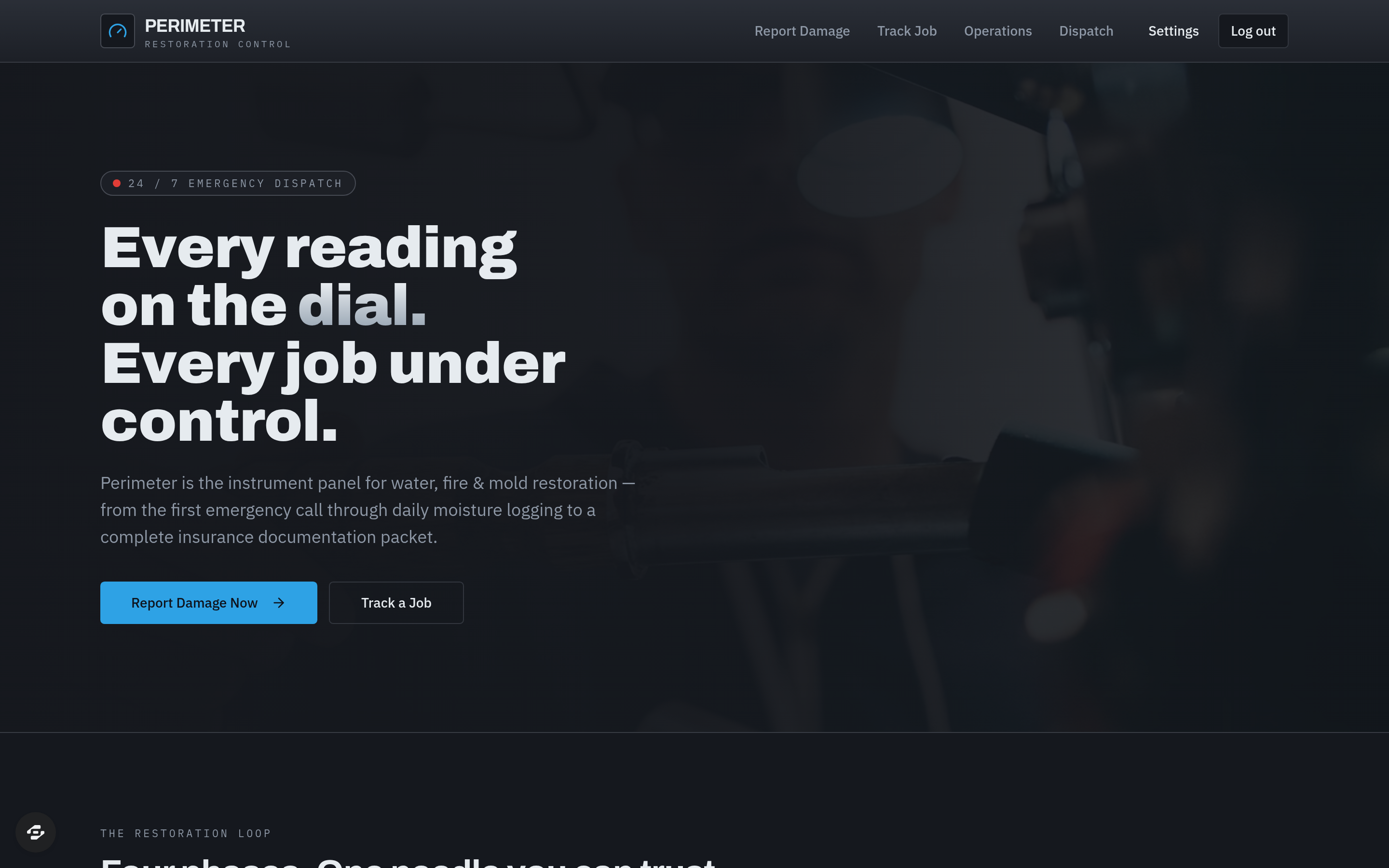
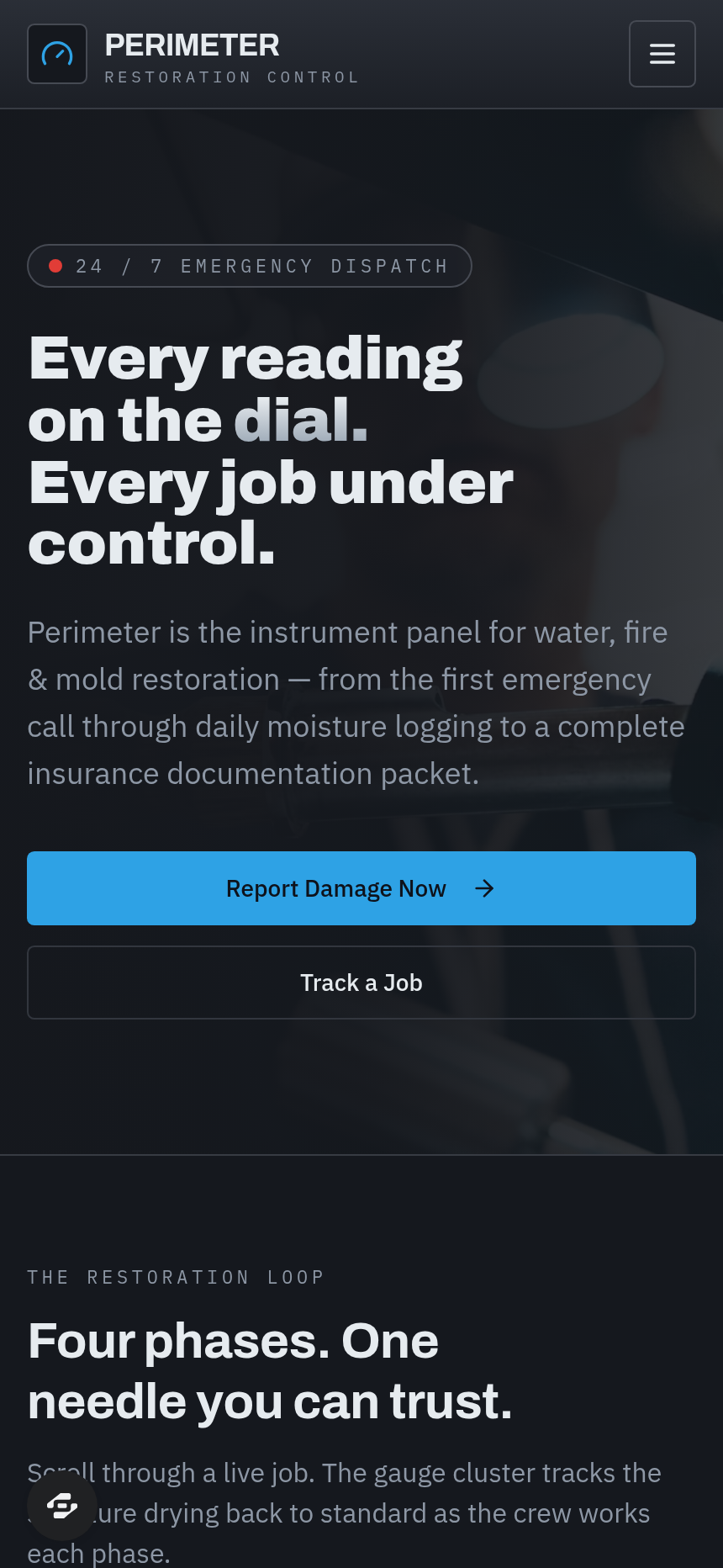
A water/fire/mold damage restoration company's emergency-dispatch and job-tracking tool: homeowners submit emergency damage-claim requests with photos and insurance info, crews track live job status through assessment/drying/repair/complete with daily moisture readings,...
About this template
A water/fire/mold damage restoration company's emergency-dispatch and job-tracking tool: homeowners submit emergency damage-claim requests with photos and insurance info, crews track live job status through assessment/drying/repair/complete with daily moisture readings, customers get a live job-status portal with insurance documentation, and the operations manager sees a dashboard of active jobs by phase, deployed equipment, and time-to-dry metrics.
Frequently asked questions
What is the Perimeter template?
How long does it take to build an app with the Perimeter template?
Do I need to code to use the Perimeter template?
How much does the Perimeter template cost?
Can I customize the Perimeter template?
Review current pricing and the template inspection guide before you start.
Related templates
 Business
Blueprint
Contractor sales pipeline that lives on the job site
 Business
Mandate
High-ticket executive coaching, built to close.
 Business
Bossbabe: Booked-Out Studio
A client-booking app for coaches + service providers, running on rhythms — editorial feminine-luxe.
 Business
Voyage
Curated journeys, planned just for you.
Make this template your starting point.
Inspect the preview, plan your changes, and test the workflow before you share it.
Use this template