

Pestline
Pestline is a field-service operations platform for small pest-control companies (2-15 technicians) that consolidates recurring-service scheduling, technician routes, treatment logging, and customer agreements into one system.
About this template
Overview
Pestline is a field-service operations platform for small pest-control companies (2-15 technicians) that consolidates recurring-service scheduling, technician routes, treatment logging, and customer agreements into one system. It replaces spreadsheets, paper service tickets, and phone calls with a unified console for dispatching, routing, and service tracking.
What you get
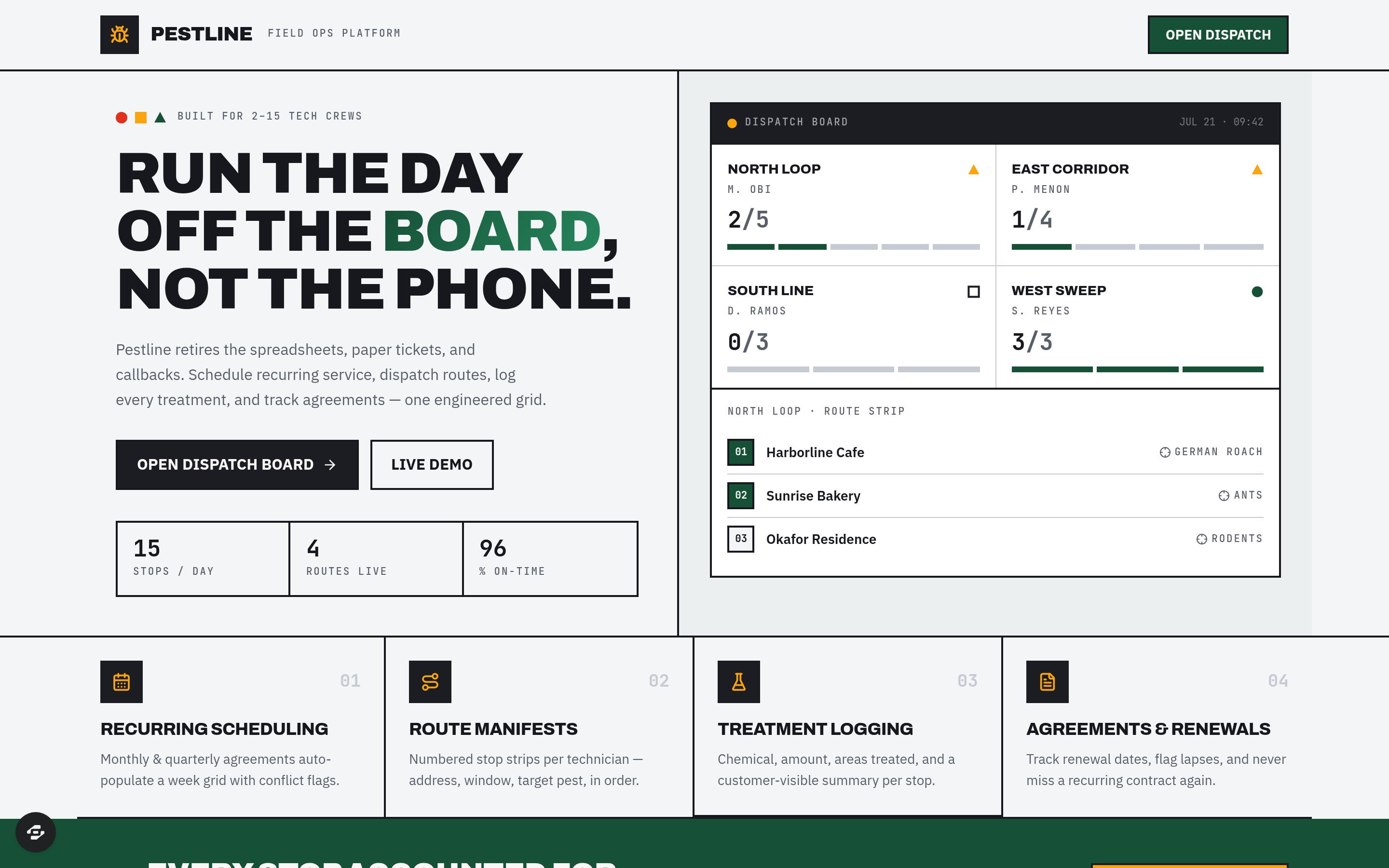
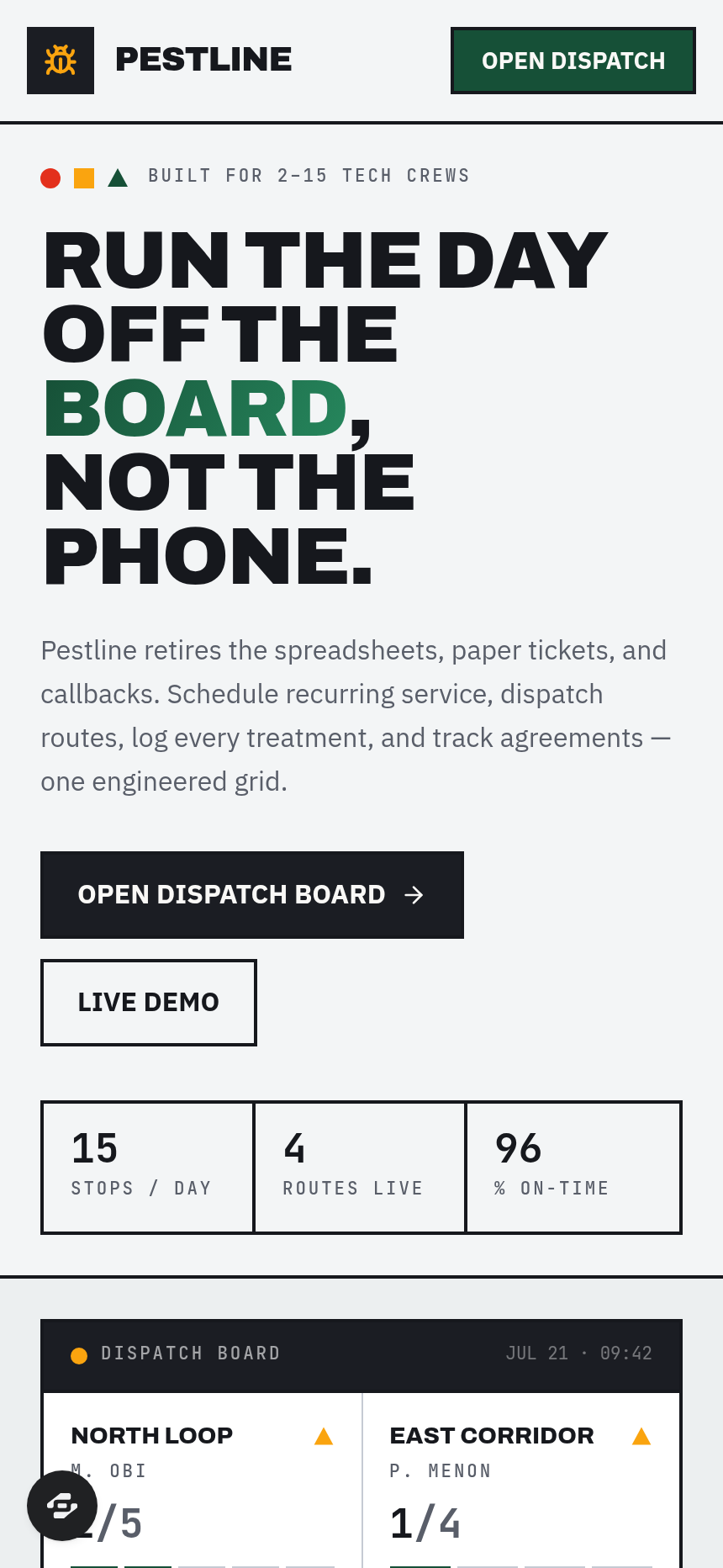
- Dispatch board showing day's routes, technicians out, stops remaining, and open callbacks
- Recurring monthly and quarterly service scheduling
- Daily route assignment for technicians
- Treatment logging at every stop (chemical used, target pest, areas treated)
- Tracking of recurring service agreements and renewals
- Re-treatment callback flagging before they become complaints
- Route sheets formatted as numbered field manifests
- Customer service-history records
The signature screen
The Bauhaus-grid dispatch board is the central operational view, displaying the day's routes, which technicians are out in the field, how many stops remain on each route, and open callbacks. This single screen consolidates what would otherwise require checking multiple spreadsheets and phone logs, letting an owner or dispatcher manage the entire day's work from one engineered console.
Who it's for
Owners and dispatchers at small pest-control companies still running operations on spreadsheets and paper who need to coordinate technician routes, log treatments, and manage recurring customer agreements.
Frequently asked questions
What is the Pestline template?
Who is the Pestline template for?
How long does it take to build an app with the Pestline template?
Do I need to code to use the Pestline template?
How much does the Pestline template cost?
Can I customize the Pestline template?
Review current pricing and the template inspection guide before you start.
Related templates
 Business
Blueprint
Contractor sales pipeline that lives on the job site
 Business
Mandate
High-ticket executive coaching, built to close.
 Business
Bossbabe: Booked-Out Studio
A client-booking app for coaches + service providers, running on rhythms — editorial feminine-luxe.
 Business
Voyage
Curated journeys, planned just for you.
Make this template your starting point.
Inspect the preview, plan your changes, and test the workflow before you share it.
Use this template