

Recto
Recto is a working writer's revision desk, built around the part of a book that no outline tool covers: what happened between draft four and draft five.
About this template
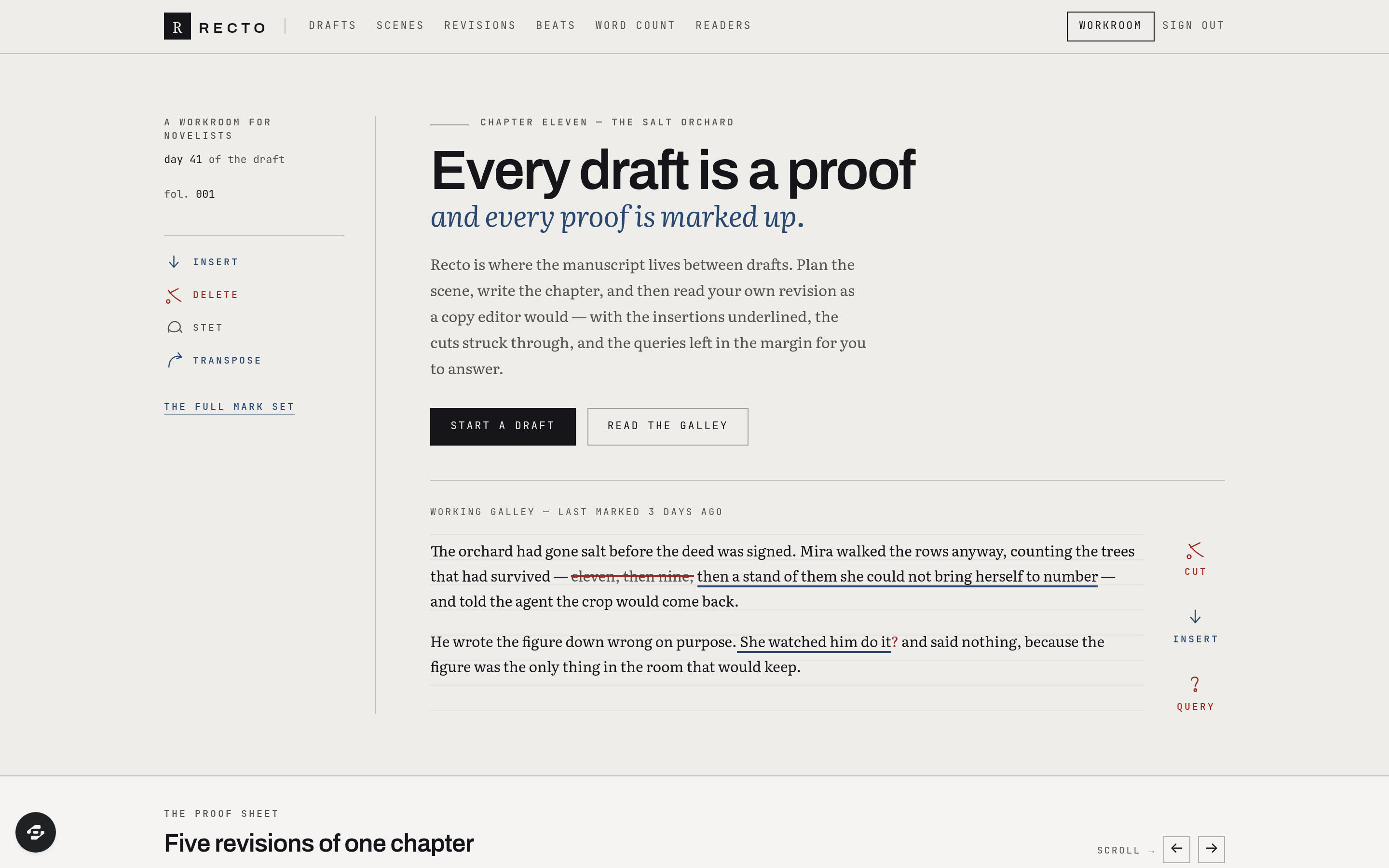
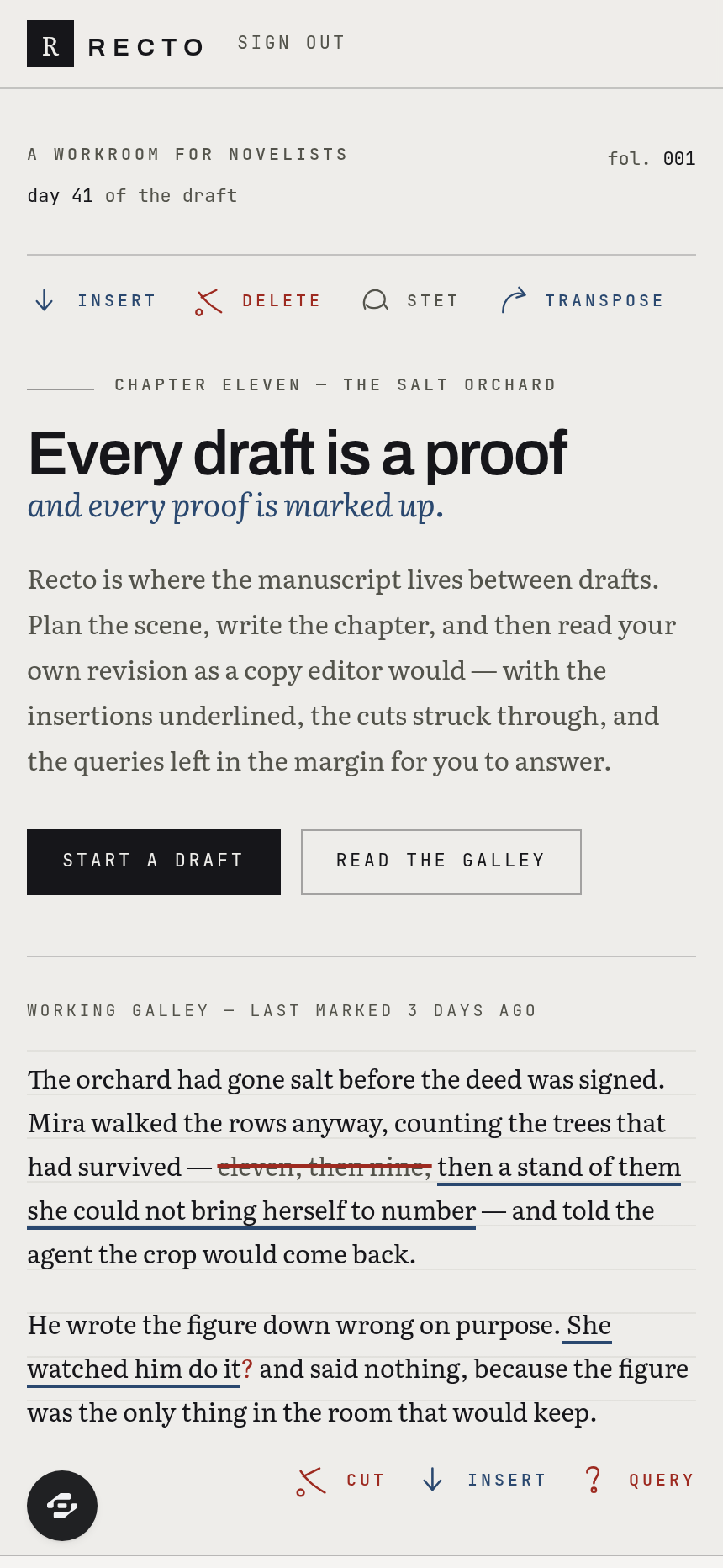
Recto is a working writer's revision desk, built around the part of a book that no outline tool covers: what happened between draft four and draft five. It opens on a galley column of live manuscript type with proof marks already in the margin, and everything it does is organised the way a copy editor would organise it — insertions underlined, cuts struck through, queries left in the margin to answer later.
The spine of the product is the revision diff. Each draft is kept whole rather than overwritten, and the differences between any two are rendered as blue-pencil markup over the real prose, with a changed-word count per revision rather than a vague "edited" timestamp. A horizontal rail of revision panels lets a writer scrub back through the history of one chapter and see the shape of their own rewriting.
Around that sit the tools a drafting writer actually opens: a scene board carrying point of view, location, beat and status; a beats view mapping scenes onto the story's structure; a word-count tracker with a daily streak and a deadline burndown; a beta-reader inbox where notes thread against the scene they refer to and get resolved rather than lost in a document's comment sidebar; a character and place glossary with first-appearance folios; and a session log of every sitting with words added.
The styling is lifted from the letterpress galley proof and the copy-editor's blue-pencil sheet — baseline rules, folio numerals, trim marks, proof-correction glyphs drawn as real SVG, and a cool proof-paper grey rather than a warm cream. It suits any work where the document is revised rather than merely written: novels and non-fiction, screenplays, dissertations, grant writing, standards drafting, editorial teams.
Frequently asked questions
What is the Recto template?
How long does it take to build an app with the Recto template?
Do I need to code to use the Recto template?
How much does the Recto template cost?
Can I customize the Recto template?
Review current pricing and the template inspection guide before you start.
Related templates
 Productivity
Synapse
A networked second brain for writers, researchers & founders.
 Productivity
Momentum
Ninety days. One clear target. Every day counts.
 Productivity
Satchel
Every client, onboarded without the chase.
 Productivity
Clockwork
Every hour, accounted for.
Make this template your starting point.
Inspect the preview, plan your changes, and test the workflow before you share it.
Use this template