

Regrade
Regrade is the complete working system of a returns and reverse-logistics grading operation - the warehouse an online retailer sends its customer returns to, where every parcel is booked in, inspected, graded, cleaned or refurbished, repriced and pushed back out through the...
About this template
Regrade is the complete working system of a returns and reverse-logistics grading operation - the warehouse an online retailer sends its customer returns to, where every parcel is booked in, inspected, graded, cleaned or refurbished, repriced and pushed back out through the right resale channel instead of being written off.
Twelve real modules, each a browsable page with real seeded operational data. RETURNS INTAKE books in every parcel with its return authorisation, merchant, carrier, declared reason code and the days elapsed since the customer asked. REASON CODE ANALYSIS groups returns by what is actually wrong - too small, not as described, damaged in transit, faulty, changed mind - with the volume, the value at risk, the return rate as a percentage of units shipped for that SKU and the merchandising action raised against the worst offenders. THE GRADING BENCH inspects each unit against a published condition standard from Grade A as-new-sealed through Grade E spares-or-recycling-only, recording the specific defects, the accessories and packaging present, the technician and the bench minutes taken - and THE GRADING RUBRIC publishes that standard itself, down to the cosmetic tolerance in millimetres, so the whole operation can be audited against it.
REFURBISHMENT & SPARES costs the work against the grade uplift it buys. THE REPRICING ENGINE sets a recovery price per grade against the original retail price with a floor below which disposition switches channel. SIX OUTBOUND ROUTES, the BULK LIQUIDATION MANIFEST and THE ROUTING ENGINE - the automated rules that route a unit without a human decision, with the override rate where a technician disagreed - move the stock back out. CARRIER & CLAIMS records damage in transit by carrier and lane with the packaging failure mode identified. THE MONEY CASE proves the operation pays for itself: units processed, value recovered, cost per unit, landfill diversion and net contribution. A MERCHANT PORTAL gives a retailer their own grade mix, recovery rate against benchmark and worst returning SKUs, and an OPERATIONS DASHBOARD closes the loop.
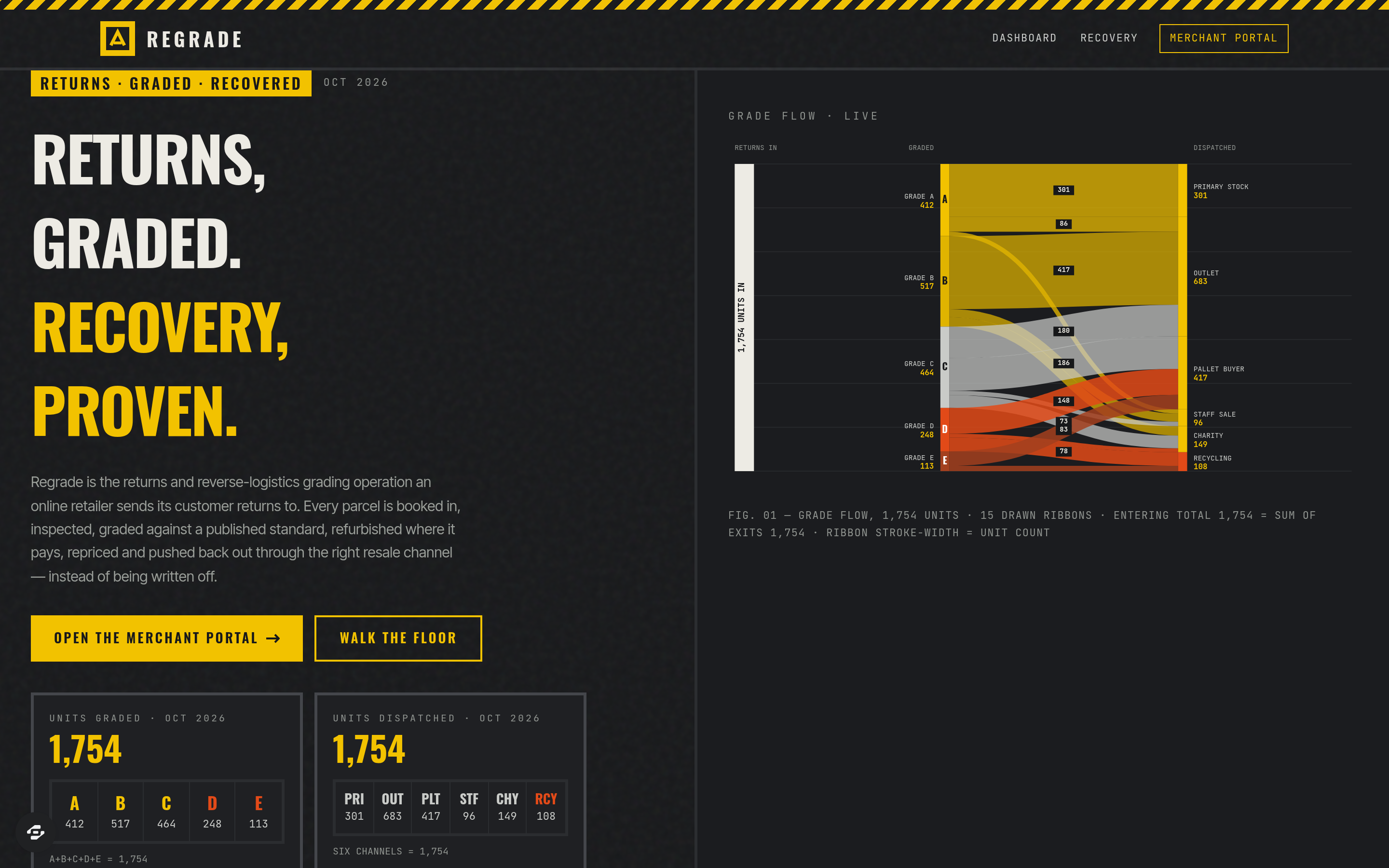
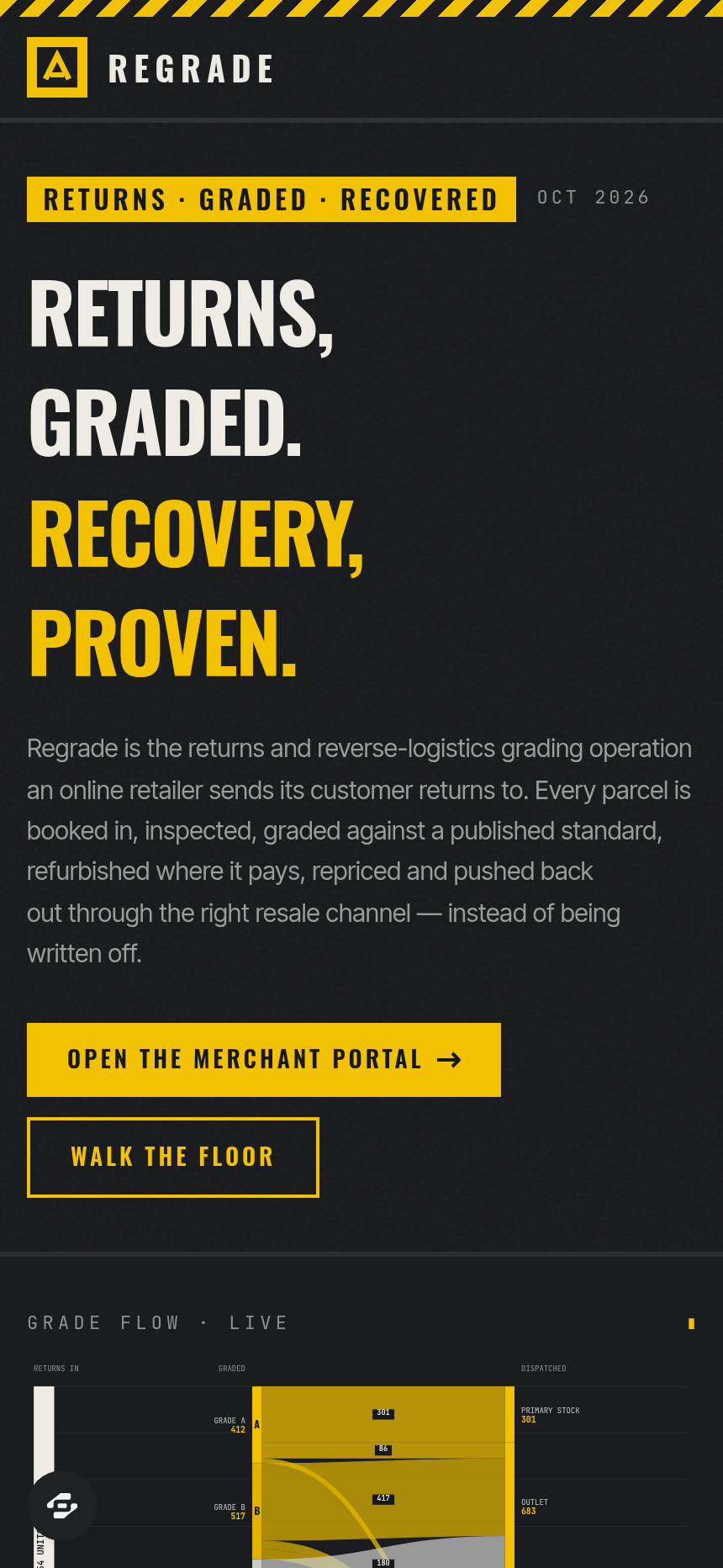
The signature drawing is a grade-flow sankey: returns entering at the left and fanning across the five grades into the six resale channels, every ribbon's width encoding its unit count and the entering total equalling the sum of the exits exactly. Designed in 1980s industrial logistics signage crossed with thermal shipping-label print - a deep carbon ground, hazard safety yellow as the primary signal, alarm orange reserved strictly for a Grade D or E outcome, a carrier claim or a price below floor, with chevron hazard striping, drawn barcode blocks, dock-bay numerals at poster scale and hard square corners throughout.
Frequently asked questions
What is the Regrade template?
How long does it take to build an app with the Regrade template?
Do I need to code to use the Regrade template?
How much does the Regrade template cost?
Can I customize the Regrade template?
Review current pricing and the template inspection guide before you start.
Related templates
 E-commerce
Bossbabe: Digital Shelf
A digital-product storefront where one offer + one funnel makes sales on repeat — editorial feminine-luxe.
 E-commerce
Grace & Grit
A faith-based fashion storefront with a full catalog, categories, cart, and newsletter.
 E-commerce
Dropline
Limited-drop storefront with countdown hype
 E-commerce
Bolt Buy
A single-product BUY NOW storefront — no cart
Make this template your starting point.
Inspect the preview, plan your changes, and test the workflow before you share it.
Use this template