

Rushes
Rushes is the complete working system of a feature-film post-production department's dailies operation - the people who take the day's exposed negative off the truck, get it through the laboratory, screen the rushes, decide what is printed and what is dropped, and keep the...
About this template
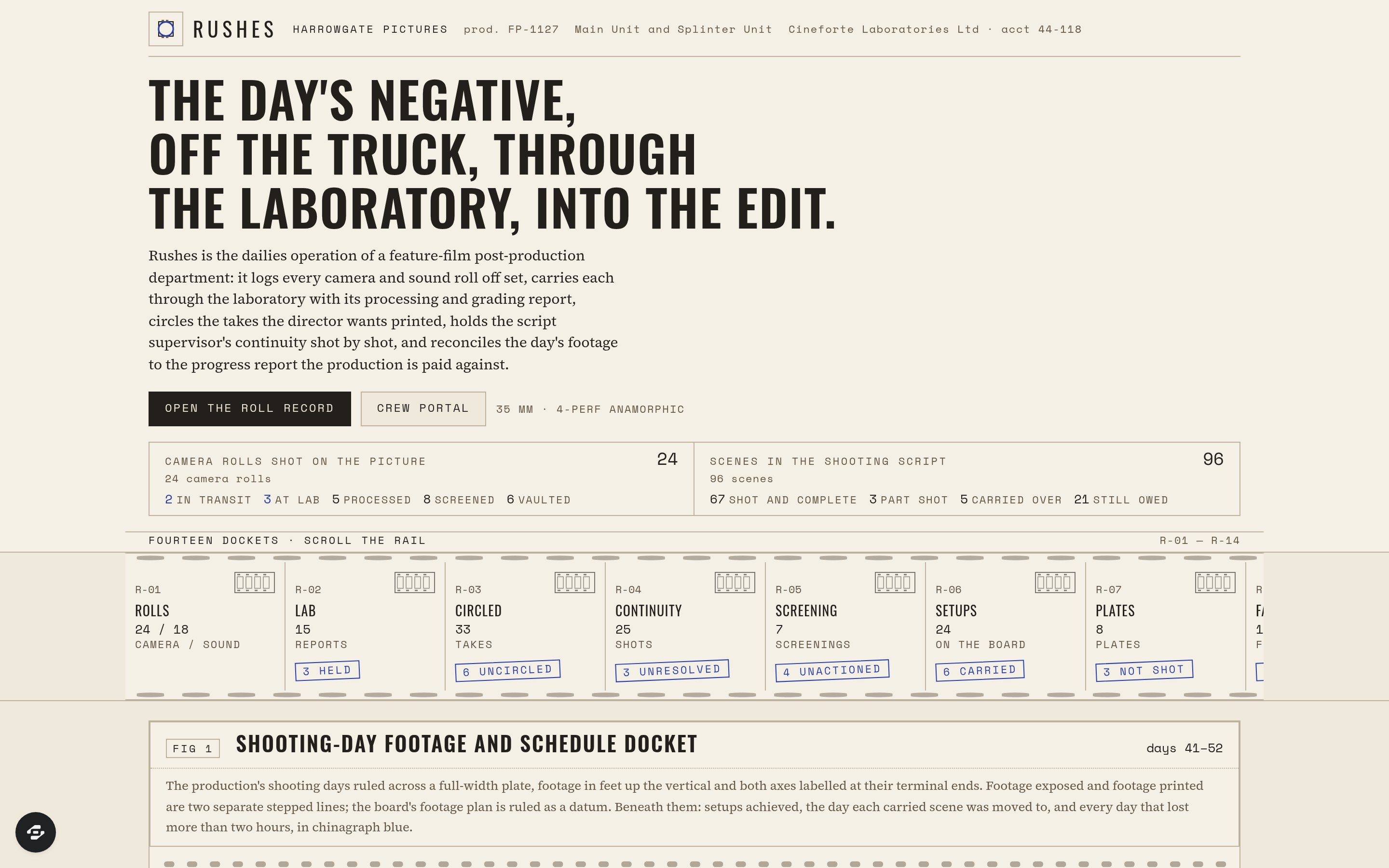
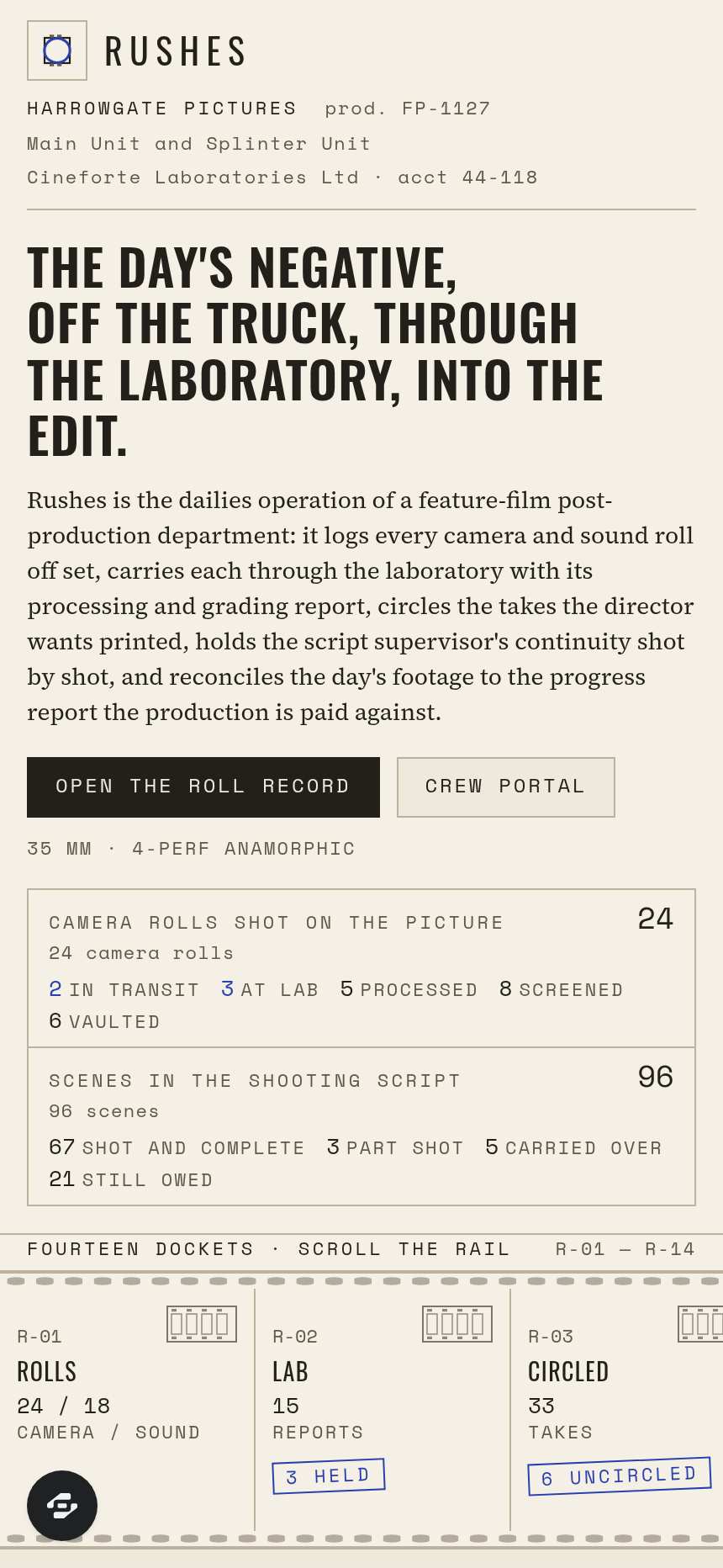
Rushes is the complete working system of a feature-film post-production department's dailies operation - the people who take the day's exposed negative off the truck, get it through the laboratory, screen the rushes, decide what is printed and what is dropped, and keep the continuity record the edit is cut from. It logs every camera and sound roll that comes off set, carries each through the laboratory with its processing and grading report, circles the takes the director wants printed, holds the script supervisor's notes shot by shot, tracks every setup against the shooting schedule, pulls the plates the visual effects unit has asked for, syncs picture to sound by clapperboard and timecode, and reconciles the day's footage to the daily progress report.
Fourteen real modules, each a browsable page with real seeded production data. CAMERA AND SOUND ROLLS carries the stock type and its emulsion batch, the length loaded against the length exposed, the magazine, the filters and stop range, and the time the can left set against the time it reached the laboratory. LABORATORY AND GRADING REPORT holds the bath and developer time and temperature, the density readings from the control strip, the printer lights struck for red, green and blue with the grader named, and the faults found on the negative from scratch to perforation damage. CIRCLED TAKES records the director's marking and the reason noted where a take is no good - action, technical, sound, performance, continuity or aircraft - and surfaces the setups where no take at all was circled.
The CONTINUITY LOG carries the script page and the eighths covered, the lens in millimetres, the camera height, the screen direction and eyeline, and any deviation from the script recorded verbatim. RUSHES SCREENINGS with their notes attributed to whoever gave them, SETUPS AND SCHEDULE with the pages shot against the pages scheduled, VISUAL EFFECTS PLATES with their lens distortion grids and frame ranges, the TECHNICAL FAULT REGISTER, the SYNC AND CLAPPER RECORD, EDIT MEDIA AND CONFORM with its checksums and LTO references, the STOCK AND CONSUMPTION LEDGER, and the DAILY PROGRESS REPORT complete the department's view. A CREW PORTAL gives a crew member their own rolls, plates and open faults, and a POST SUPERVISOR DASHBOARD closes the loop.
The signature drawing is the shooting-day footage and schedule docket: the production's shooting days ruled along the horizontal axis and footage in feet up the vertical, the footage exposed and the footage printed drawn as two separate stepped lines each named at its own terminal point on an opaque chip, the planned shooting ratio ruled as a datum, each day's setups achieved boxed on a lane beneath, every carried scene marked with the day it was moved to, and every day that lost more than two hours struck in chinagraph blue with the cause named - the whole plate edged with a drawn sprocket perforation strip and a ruled footage scale. Designed as a 1970s motion-picture laboratory daily report crossed with a grease-pencil-marked contact sheet: a lab buff ground, bitumen black ink, sepia-grey form boxes and perforation strips, and a single chinagraph blue reserved strictly for a roll held at the laboratory, a setup with no take circled, an unresolved continuity discrepancy, a screening note unactioned, a plate requested but not shot, a slate unsynced or a shooting day that lost more than two hours.
Frequently asked questions
What is the Rushes template?
How long does it take to build an app with the Rushes template?
Do I need to code to use the Rushes template?
How much does the Rushes template cost?
Can I customize the Rushes template?
Review current pricing and the template inspection guide before you start.
Related templates
 Entertainment
Sonata
Audio that moves you
 Entertainment
Strike
Bowling alley lanes, parties & leagues
 Entertainment
Inkwell
Book your artist, browse the flash, heal it right.
 Entertainment
Deadair
No silence. No dead air. Station ops for volunteer FM.
Make this template your starting point.
Inspect the preview, plan your changes, and test the workflow before you share it.
Use this template