

Scriptorium
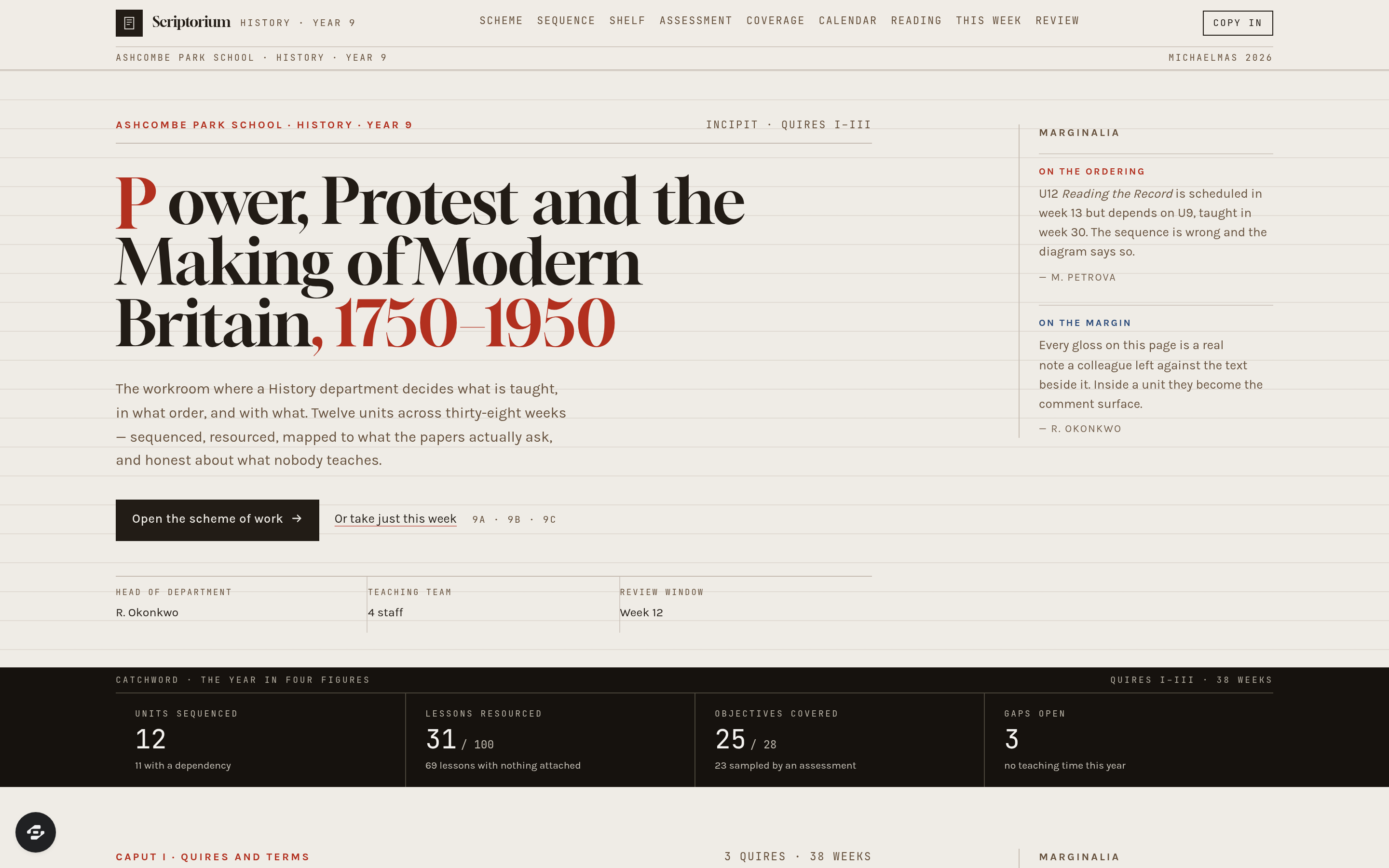
Scriptorium is for the people who decide what a subject department actually teaches: not a course-selling platform and not a student system, but the workroom where a scheme of work is built, sequenced and kept honest.
About this template
Scriptorium is for the people who decide what a subject department actually teaches: not a course-selling platform and not a student system, but the workroom where a scheme of work is built, sequenced and kept honest.
The scheme lays the year out as terms and units with their teaching weeks, lesson counts and the big question each unit answers. Inside a unit the department writes the substantive knowledge, the disciplinary knowledge, the misconceptions worth pre-empting, the core vocabulary and the end point a pupil has to reach. The sequence screen draws those units as a dependency graph along a term spine and says so plainly when a unit is scheduled before something it depends on — the assumption "they will already know this" held as a fact the department can check rather than hope for.
Around that sit the things that make a scheme real on a Tuesday morning. A resource shelf attaches the slides, set texts, source extracts and homework to a specific lesson, with who last revised each one. An assessment map links every question to the objectives it samples and shows which objectives are over-sampled and which are never assessed at all. A coverage screen surfaces the three kinds of gap that matter: objectives with no teaching time, content taught twice in different units by accident, and orphan resources attached to nothing. A department calendar shows who is on which unit in which week so a shared resource lands before it is needed, a review screen records what to change next year against a specific unit with the evidence and who raised it, and a teacher-facing week view reduces all of it to what to teach, what to open and what to assess.
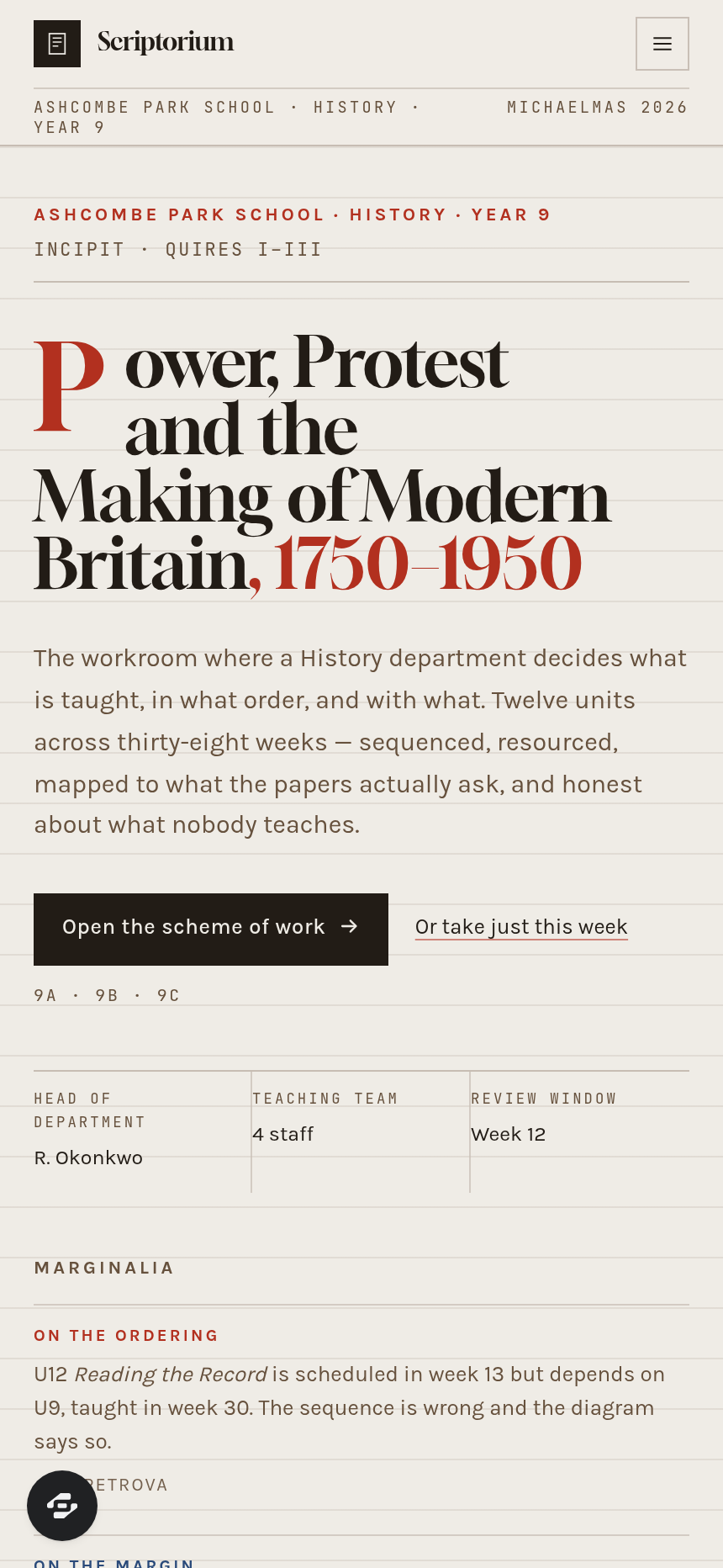
It is drawn as a manuscript leaf: ruled vellum, a genuine two-column measure, vermilion versal initials, rubrication used only for headings and corrections, and a persistent outer margin carrying real glosses — which is also the product's commenting surface, so a colleague's note lives beside the line it is about. It suits any department or training team that owns a curriculum: secondary subject departments, MATs and trusts standardising a scheme, further-education and sixth-form teams, tutoring organisations, and professional or clinical training programmes that must show what is taught and where it is assessed.
Frequently asked questions
What is the Scriptorium template?
How long does it take to build an app with the Scriptorium template?
Do I need to code to use the Scriptorium template?
How much does the Scriptorium template cost?
Can I customize the Scriptorium template?
Review current pricing and the template inspection guide before you start.
Related templates
 Education
Syllabus
### Overview Syllabus is a video course with a live cohort layer, built as a reading app rather than a SaaS dashboard...
 Education
Chapterhouse
Small classes. Big progress. Always in view.
 Education
Streak
Gamified SAT bootcamp that turns score gains into a streak
 Education
Trivium
Every family, every subject, one schedule.
Make this template your starting point.
Inspect the preview, plan your changes, and test the workflow before you share it.
Use this template