

Overskill has an affiliate program, and joining takes one click — or none.
When you tell someone about Overskill and they become a paying subscriber, you earn a 20% commission on what they pay — on their first payment and on every renewal through their first 12 months. No application, no approval queue, no setup.
Your share link is ready automatically
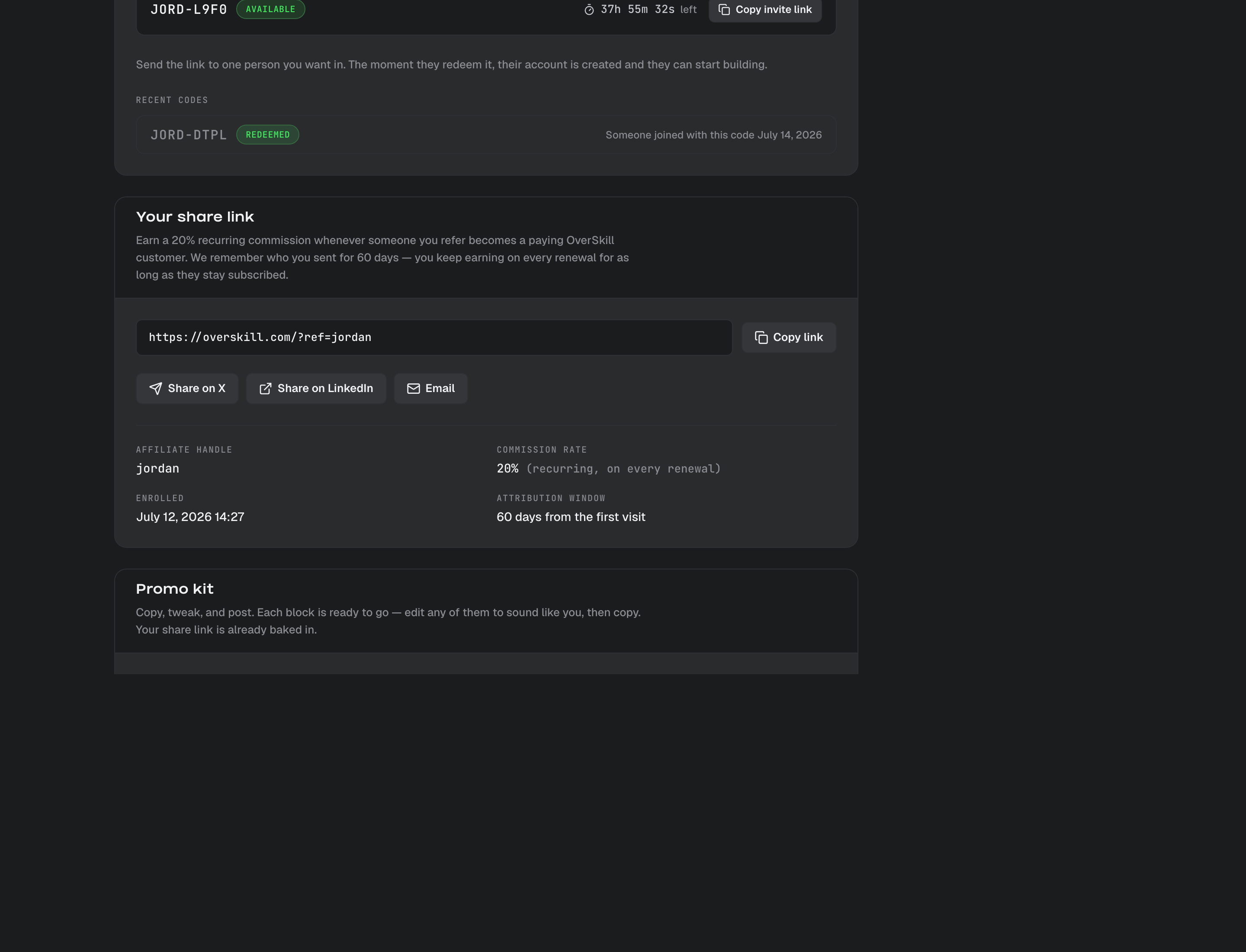
Head to your affiliate page. The first time you open it, we create your personal share link on the spot — something like https://overskill.com/?ref=yourname. That link is how we know a new customer came from you.
There's nothing to switch on. (Brand new to Overskill? Your link activates automatically once your account is ready to earn — usually right after you build your first app. Create one, come back, and your link and promo kit will be waiting.)
How you earn — recurring, not one-time
This is the part people are most surprised by, in a good way:
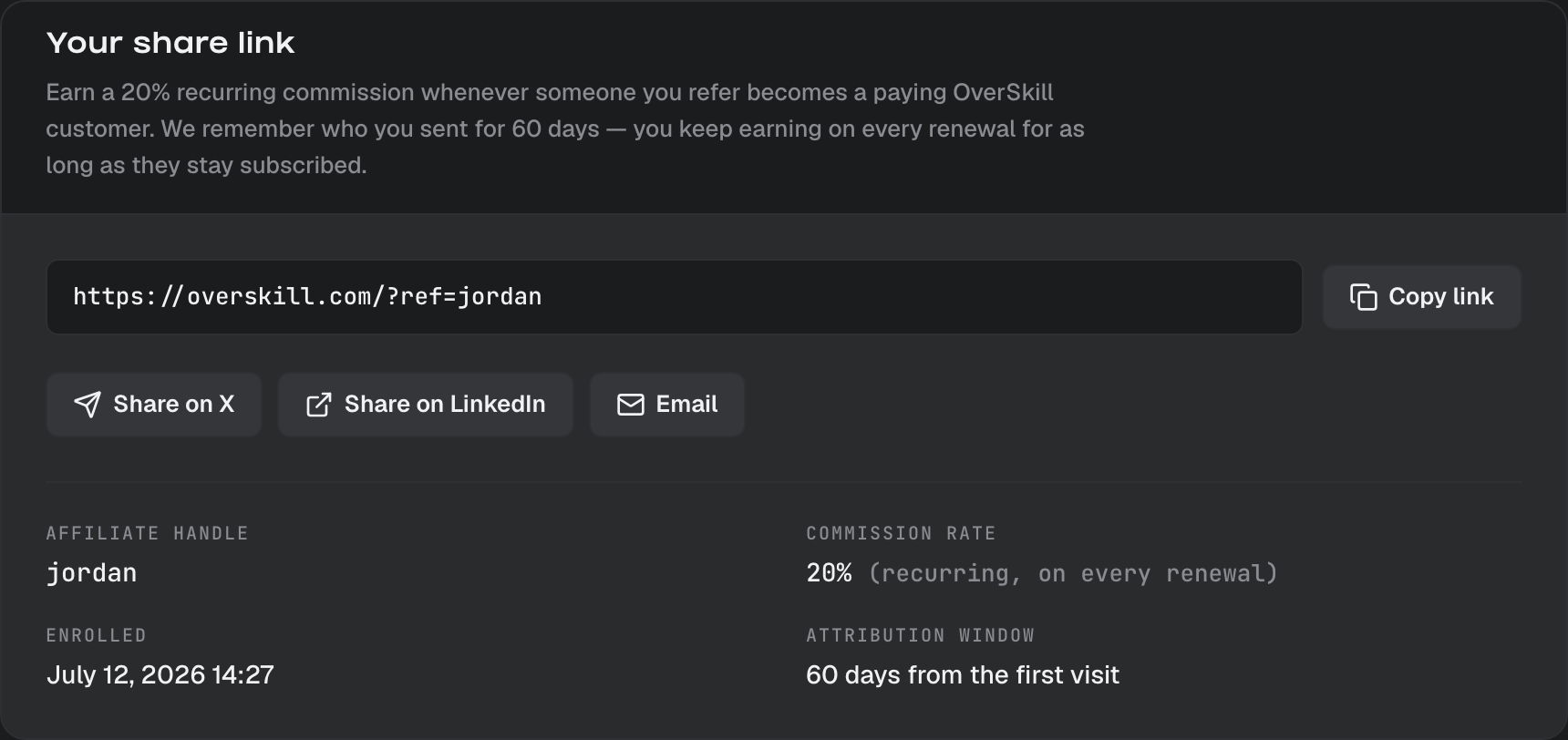
- You earn a flat 20%.
- It's recurring — you earn it on the first payment and on every renewal through your referral's first 12 months. One good referral keeps paying you across their whole first year.
- Commissions come from subscription plans. Credit packs and top-ups don't earn commission.
How you get credit (the 60-day window)
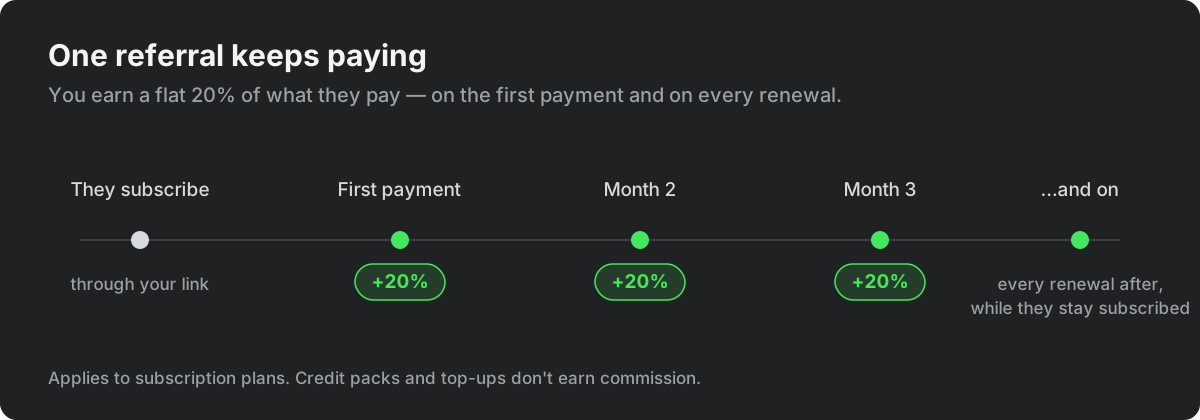
When someone opens your link, we remember they came from you for 60 days. If they subscribe any time in that window, the referral is yours — and it keeps paying you on their renewals through their first 12 months. If they drift past 60 days, a fresh click of your link starts a new window.
One fairness rule: if someone already joined Overskill through another person's referral, that original referrer keeps the credit.
Where your stats live
Everything is on your affiliate page:
- Your share link — copy it, or use the one-tap buttons to post to X, LinkedIn, or send an email.
- Earnings — your lifetime total, as our payments partner reports it, refreshed once a day. Each commission pays out automatically through our payments partner once the sale clears.
- Your invite codes — while Overskill is invite-only, we grant affiliates instant-access codes to hand out (more on those in Invite codes and referral links).
Use the promo kit
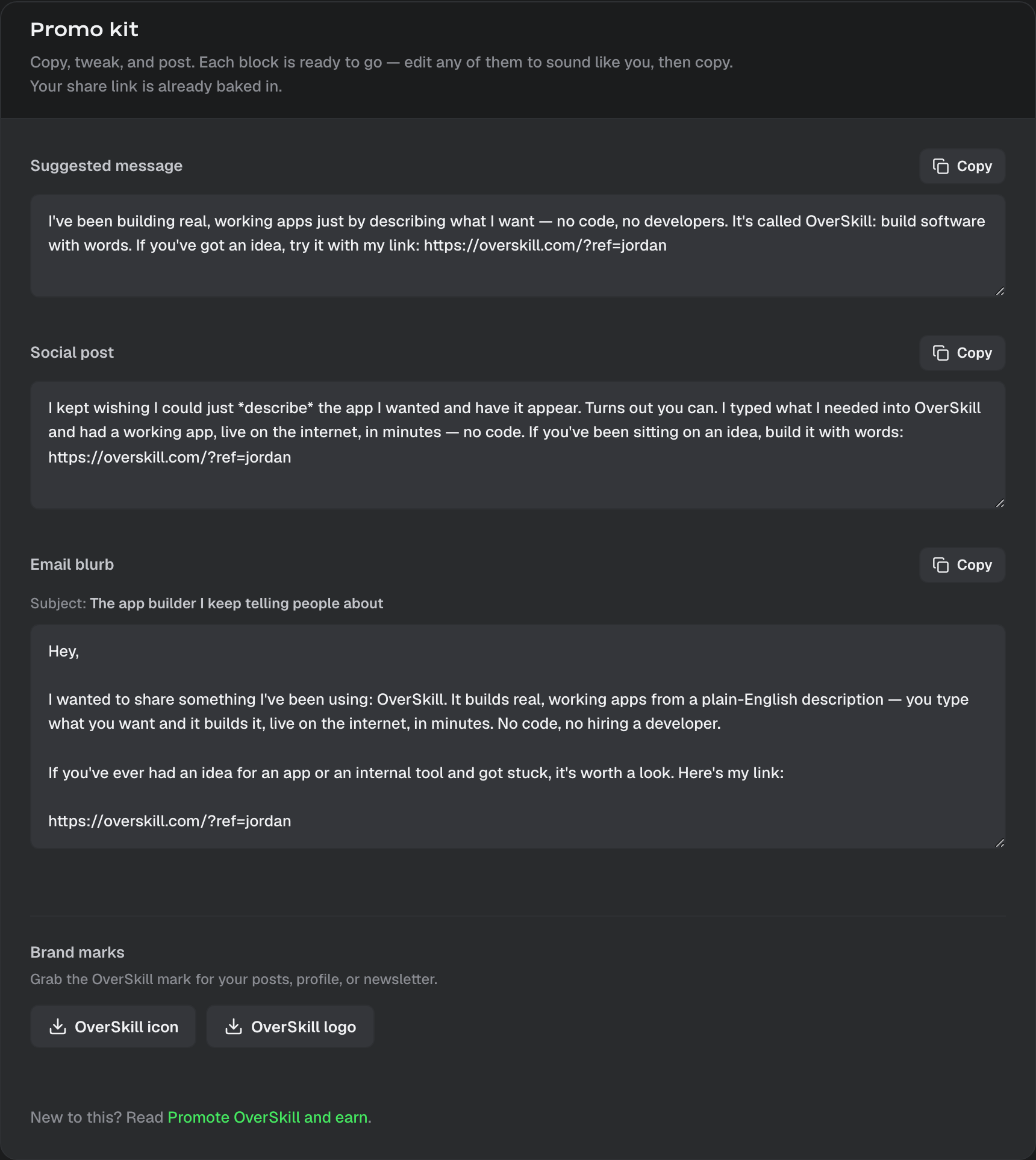
You don't have to figure out what to say. The same page includes a ready-to-use promo kit:
- A short suggested message for a quick DM or text.
- A longer social post for X or LinkedIn.
- An email blurb to send to your list.
- The Overskill logo and icon to drop into your posts.
Every block already has your share link baked in. Edit any of them to sound like you, hit copy, and post.
A good way to talk about it
The pitch that works is the honest one: Overskill lets you build software with words. You describe the app you want and it builds it — live on the internet, in minutes, no code. Most people you know have an idea they've been sitting on. Your link is how they start.
What to read next
- Affiliate program — how it works (and when it's available to you) — the fine print: attribution, payouts, and eligibility
- Invite codes and referral links — the other way to bring people in while Overskill is invite-only
- What is Overskill? — the quick overview to share with people