

Bowside
Bowside is the complete operations platform for a tidal-river rowing club and boathouse.
About this template
Overview
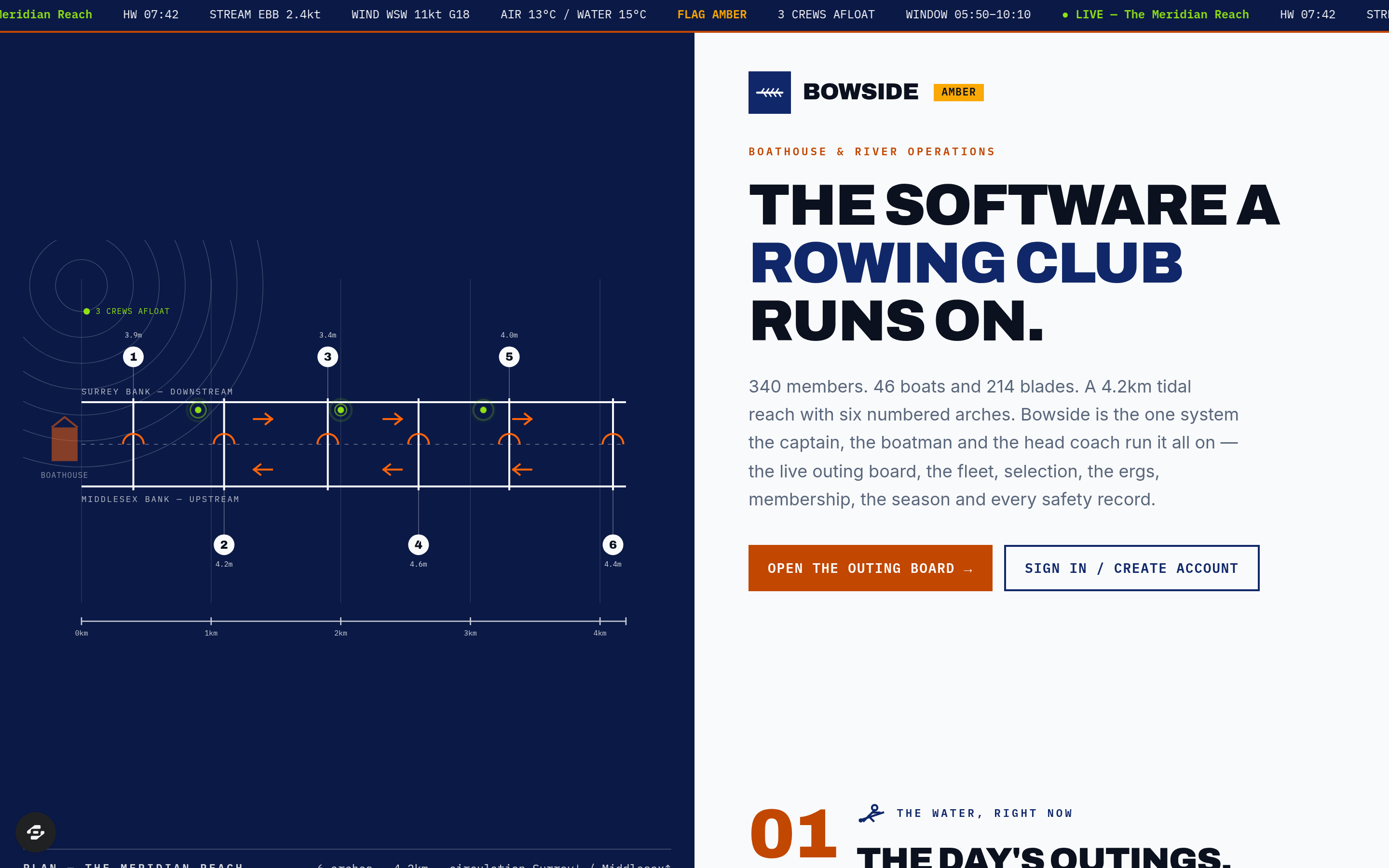
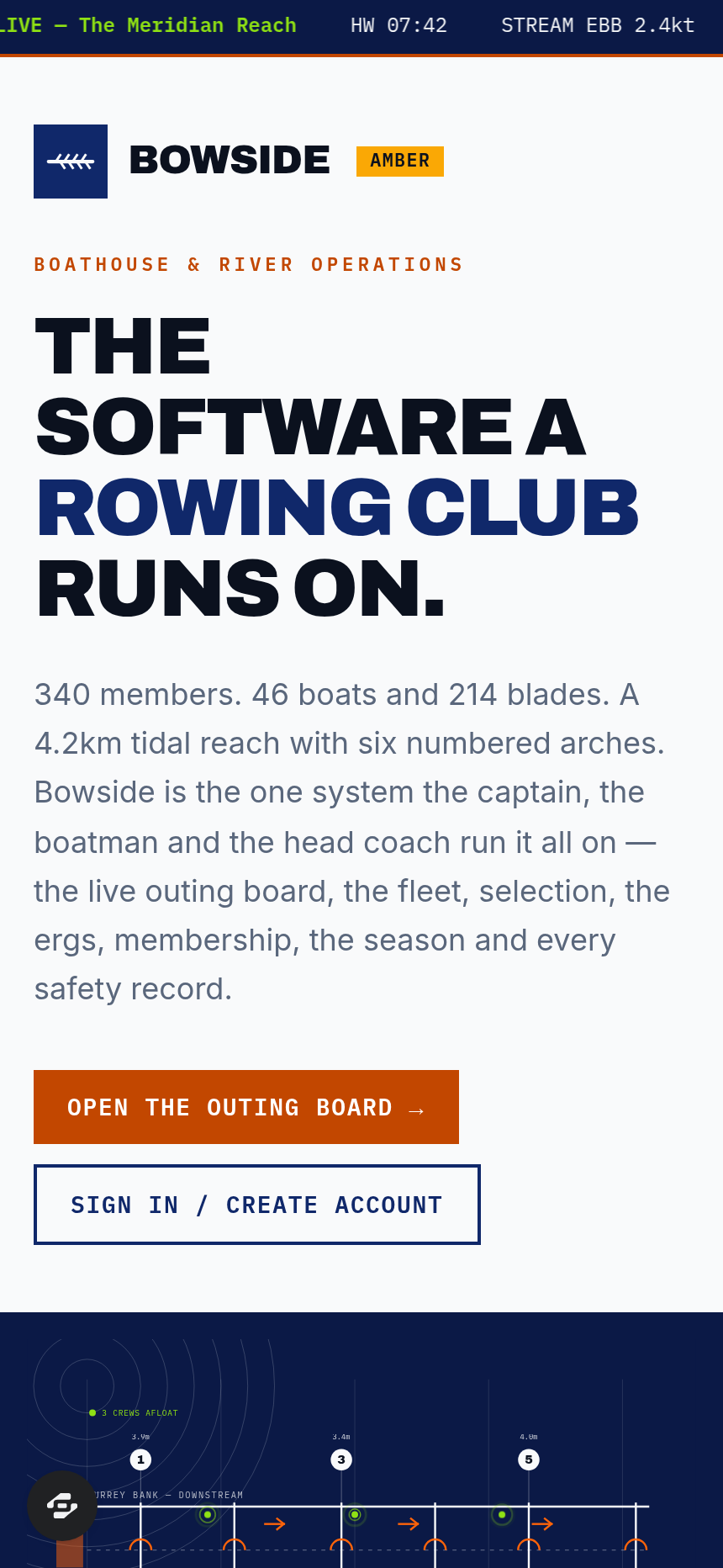
Bowside is the complete operations platform for a tidal-river rowing club and boathouse. It manages 340 members across senior, masters, junior and adaptive squads, a fleet of 46 boats and 214 blades, 18 ergometers, and a 4.2 kilometre tidal reach with six numbered navigation arches.
What you get
- Outing Board showing live water view with crew, boat, rig, cox, coach and launch against tide window, stream speed, wind and gust, and navigation flags
- Safety flags for CREW INCOMPLETE, NO SAFETY LAUNCH, BOAT UNSERVICEABLE, COX UNQUALIFIED and TIDE WINDOW CLOSED
- Fleet register with rigger spans and hull weights against class minimums
- Blade store with inboard settings and shaft stiffness
- Seat-racing matrices with margins in seconds
- Ergometer log with splits, rates and watts-per-kilogram
- Membership records with federation registrations and capsize-drill dates
- Regatta and head race management with draws, trailer loading and results
- Safety spine with arch clearances at recorded river level and incident register
- Boathouse workshop queue
- Member portal with individual athlete side, seat, outings and personal bests
The signature screen
The Outing Board is the live water view, displaying every session with its crew, boat, rig, cox, coach and launch set against the tide window, stream speed in knots, wind and gust against the reach bearing, and the navigation flag. Hard safety flags highlight CREW INCOMPLETE, NO SAFETY LAUNCH, BOAT UNSERVICEABLE, COX UNQUALIFIED and TIDE WINDOW CLOSED conditions.
Who it's for
Tidal-river rowing clubs and the boathouses that run them, serving senior, masters, junior and adaptive rowers.
Frequently asked questions
What is the Bowside template?
Who is the Bowside template for?
How long does it take to build an app with the Bowside template?
Do I need to code to use the Bowside template?
How much does the Bowside template cost?
Can I customize the Bowside template?
Review current pricing and the template inspection guide before you start.
Related templates
 Fitness
Sentinel
The match-fixing and betting-irregularity register of a sport's integrity unit
 Fitness
Turnstile
The safety certificate and crowd-capacity record of a sports ground
 Fitness
Menkyo
The examination board, the syllabus and the rank register — the authority that decides who is what rank, and can prove it
 Fitness
Callout
Callouts, casualty care, hill readiness and equipment certs — a mountain rescue team's whole record.
Make this template your starting point.
Inspect the preview, plan your changes, and test the workflow before you share it.
Use this template