

Rigger
Rigger is the selection instrument for a masters rowing club. A club with more members than seats has to decide, every week, who sits where in which boat for the weekend race — and then has to defend that decision to the rowers who did not get a seat.
About this template
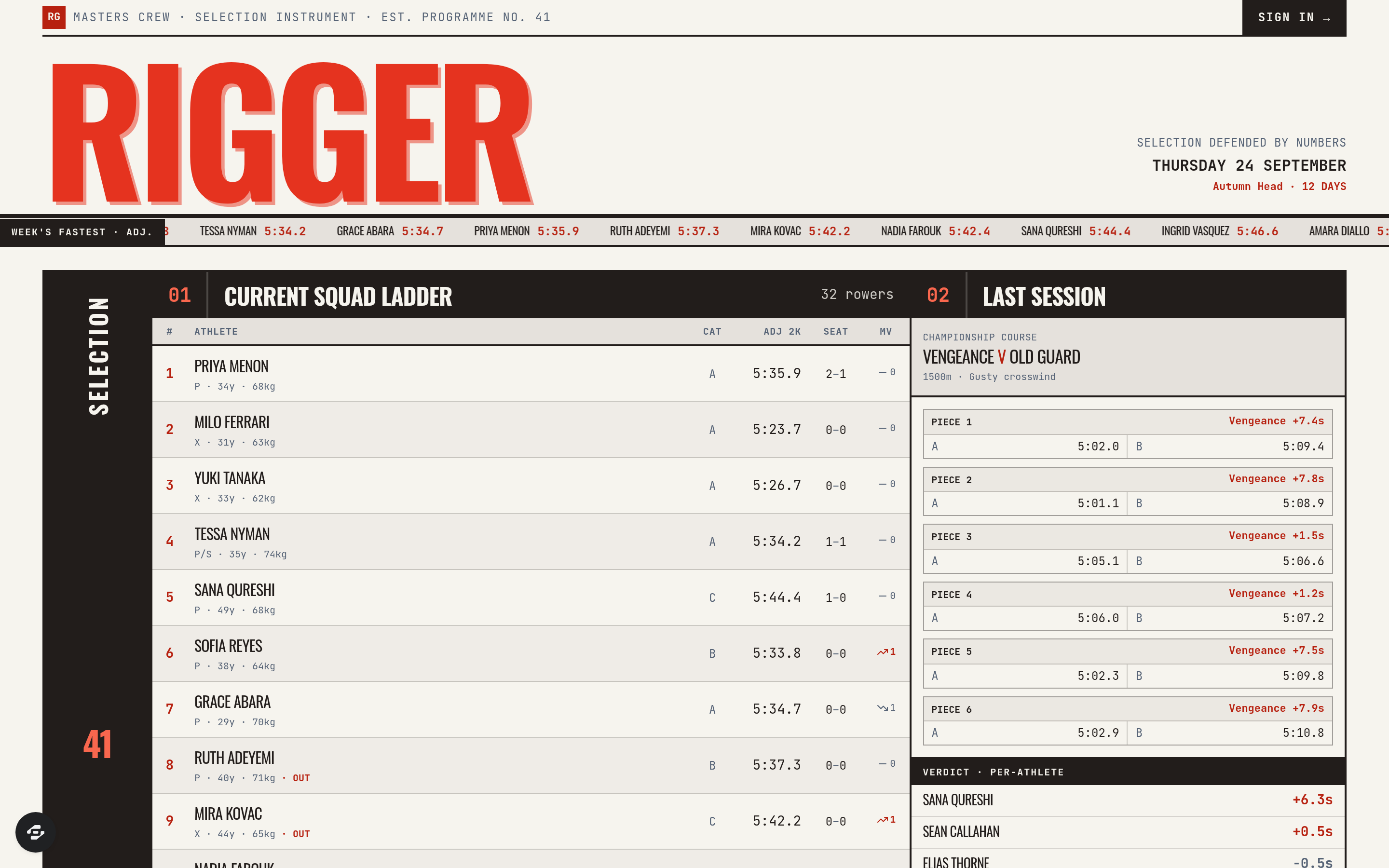
Rigger is the selection instrument for a masters rowing club. A club with more members than seats has to decide, every week, who sits where in which boat for the weekend race — and then has to defend that decision to the rowers who did not get a seat. Rigger makes the decision defensible by keeping the evidence in one place and showing the arithmetic in the open.
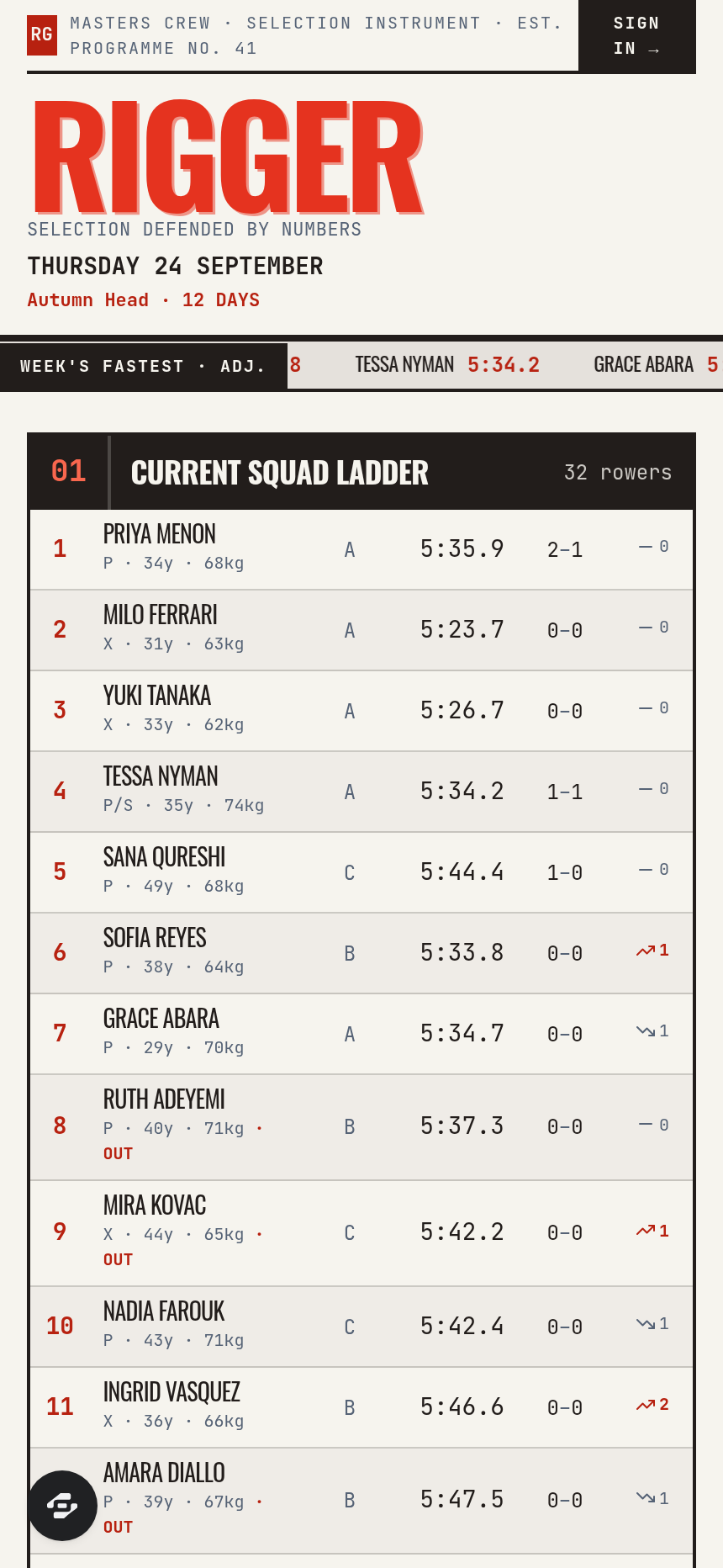
The product is the squad ladder and the seat race. The ladder ranks every rower by an age- and weight-adjusted 2k erg score, so a 58-year-old lightweight and a 31-year-old heavyweight can be compared honestly rather than by raw split. The seat race screen runs the classic swap protocol: two boats, matched pieces over a set course, one pair of athletes exchanged between pieces, and the margin swing attributed per athlete — piece by piece, in seconds, with the wind and course conditions recorded alongside so a result can be read in context instead of taken on faith.
Around that sit the rest of the coaching job: lineup builder with rigging side, seat and category per boat; erg history with 2k, 5k and 6k progression per athlete and adjusted-score trend; regatta entries with category eligibility and crew declaration; and attendance tracking, because a seat is earned at practice as much as on the machine. Every selection ends in a per-athlete verdict a coach can send out and stand behind.
Built for masters rowing clubs, collegiate and junior programs, and any squad that selects competitively from a deeper roster than it can seat. The design is a race-results broadsheet — heavy condensed sign lettering, a running results ticker, tabular monospaced splits, hairline-ruled result tables and a single signal red used only for times and verdicts.
Frequently asked questions
What is the Rigger template?
How long does it take to build an app with the Rigger template?
Do I need to code to use the Rigger template?
How much does the Rigger template cost?
Can I customize the Rigger template?
Review current pricing and the template inspection guide before you start.
Related templates
 Fitness
Sentinel
The match-fixing and betting-irregularity register of a sport's integrity unit
 Fitness
Turnstile
The safety certificate and crowd-capacity record of a sports ground
 Fitness
Menkyo
The examination board, the syllabus and the rank register — the authority that decides who is what rank, and can prove it
 Fitness
Keirin
The grades, the sessions, the commissaires and the standards — the record that decides who rides the banking
Make this template your starting point.
Inspect the preview, plan your changes, and test the workflow before you share it.
Use this template