

Riposte
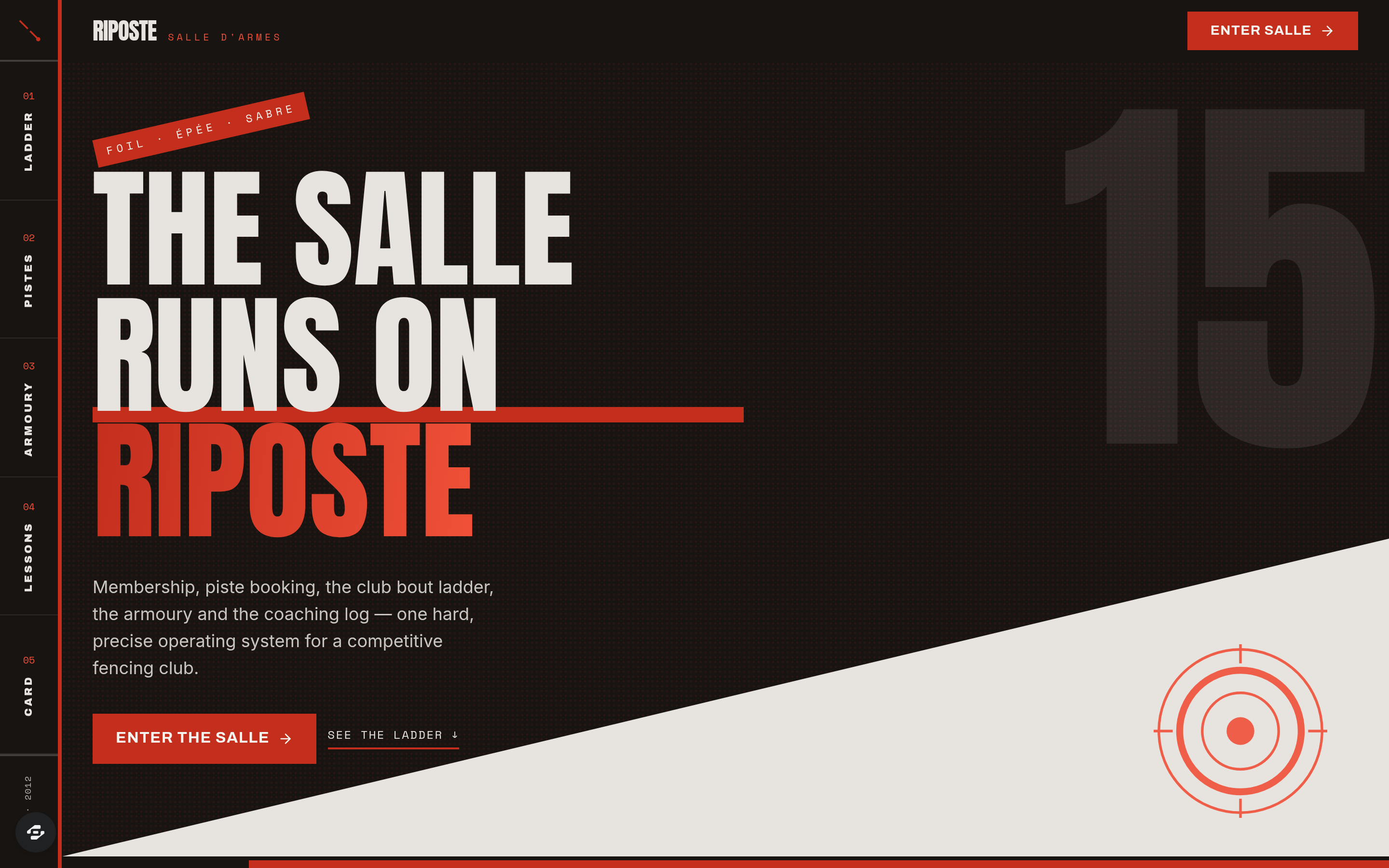
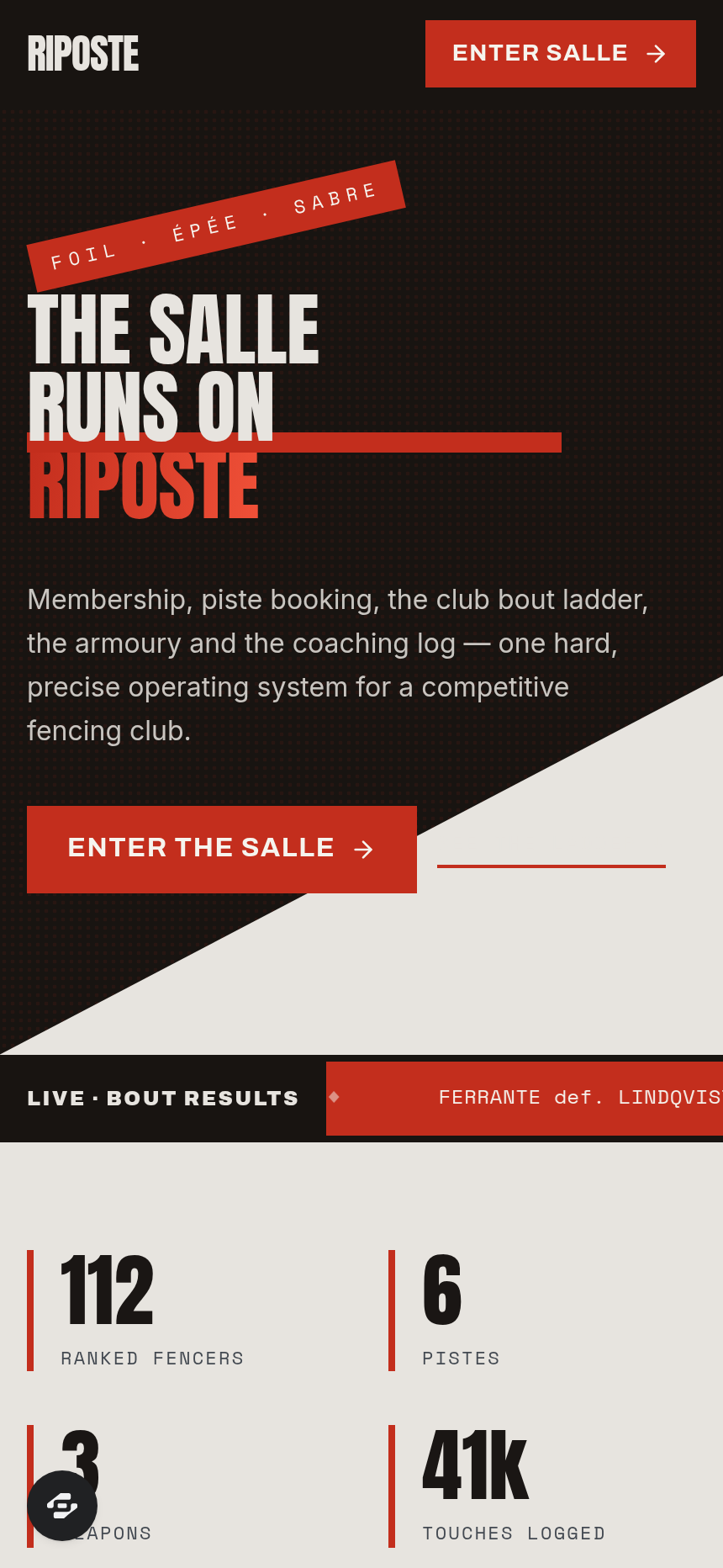
Riposte is the complete operating system for a competitive fencing salle.
About this template
Overview
Riposte is the complete operating system for a competitive fencing salle. It is not a signup page: it is the software the club runs on, built to manage bouts, piste bookings, equipment inventory and member records for fencing clubs, martial arts salles, combat-sport academies and any membership club that ranks its members, books its floor space and maintains safety-tested equipment.
What you get
- Club bout ladder ranked by weapon (foil, epee, sabre) with classification, indicators, touches scored and received, and an open challenge window
- Recent 15-touch and 5-touch results logged with piste number and referee
- Week grid of the salle's six pistes by the hour covering open fencing, private lessons and the Tuesday sabre squad with live booking flow and conflict handling
- Armoury inventory tracking every foil, epee, sabre, body cord, lame, mask and bib by serial, last-tested date and pass or fail on the 12kg weight test, flagging what is overdue or out for repair
- Private-lesson log recording coach, weapon, drill focus and notes with a season-long progression chart
- Member card carrying classification history, licence number and expiry and dues status
The signature screen
The club bout ladder is where every member is ranked by weapon with classification, indicators, touches scored and received and an open challenge window, alongside recent 15-touch and 5-touch results logged with piste number and referee. It is the central view for tracking competitive standing and bout outcomes across the entire membership.
Who it's for
Fencing clubs, martial arts salles, combat-sport academies and any membership club that ranks its members, books its floor space and maintains safety-tested equipment.
Frequently asked questions
What is the Riposte template?
Who is the Riposte template for?
How long does it take to build an app with the Riposte template?
Do I need to code to use the Riposte template?
How much does the Riposte template cost?
Can I customize the Riposte template?
Review current pricing and the template inspection guide before you start.
Related templates
 Fitness
Sentinel
The match-fixing and betting-irregularity register of a sport's integrity unit
 Fitness
Turnstile
The safety certificate and crowd-capacity record of a sports ground
 Fitness
Menkyo
The examination board, the syllabus and the rank register — the authority that decides who is what rank, and can prove it
 Fitness
Callout
Callouts, casualty care, hill readiness and equipment certs — a mountain rescue team's whole record.
Make this template your starting point.
Inspect the preview, plan your changes, and test the workflow before you share it.
Use this template